Komerční sdělení: Working with music often starts with an existing song. You might want to practice singing over a familiar instrumental, create a remix, prepare audio for an AI cover, or isolate vocals for a personal music project. The challenge is that many commercial recordings combine vocals and instruments into a single audio mix, making it difficult to separate individual elements using traditional editing methods.
AI-powered vocal removal offers a more accessible solution. By analyzing the different components of a recording, these tools can separate the lead vocal from the instrumental accompaniment while preserving as much musical detail as possible. InsMelo brings this capability into a straightforward online workflow, helping musicians, content creators, and music enthusiasts prepare audio for a variety of creative applications.
Why Vocal Separation Matters in Modern Music
A finished song is usually a combination of several elements, including vocals, drums, bass, guitars, keyboards, and other instruments. When these elements are mixed together, removing just the singer without affecting the backing music can be challenging.
Traditional techniques often rely on stereo-channel manipulation, equalization, or phase cancellation. Although these methods can work with certain recordings, they may also remove parts of the instruments or leave unwanted vocal remnants.
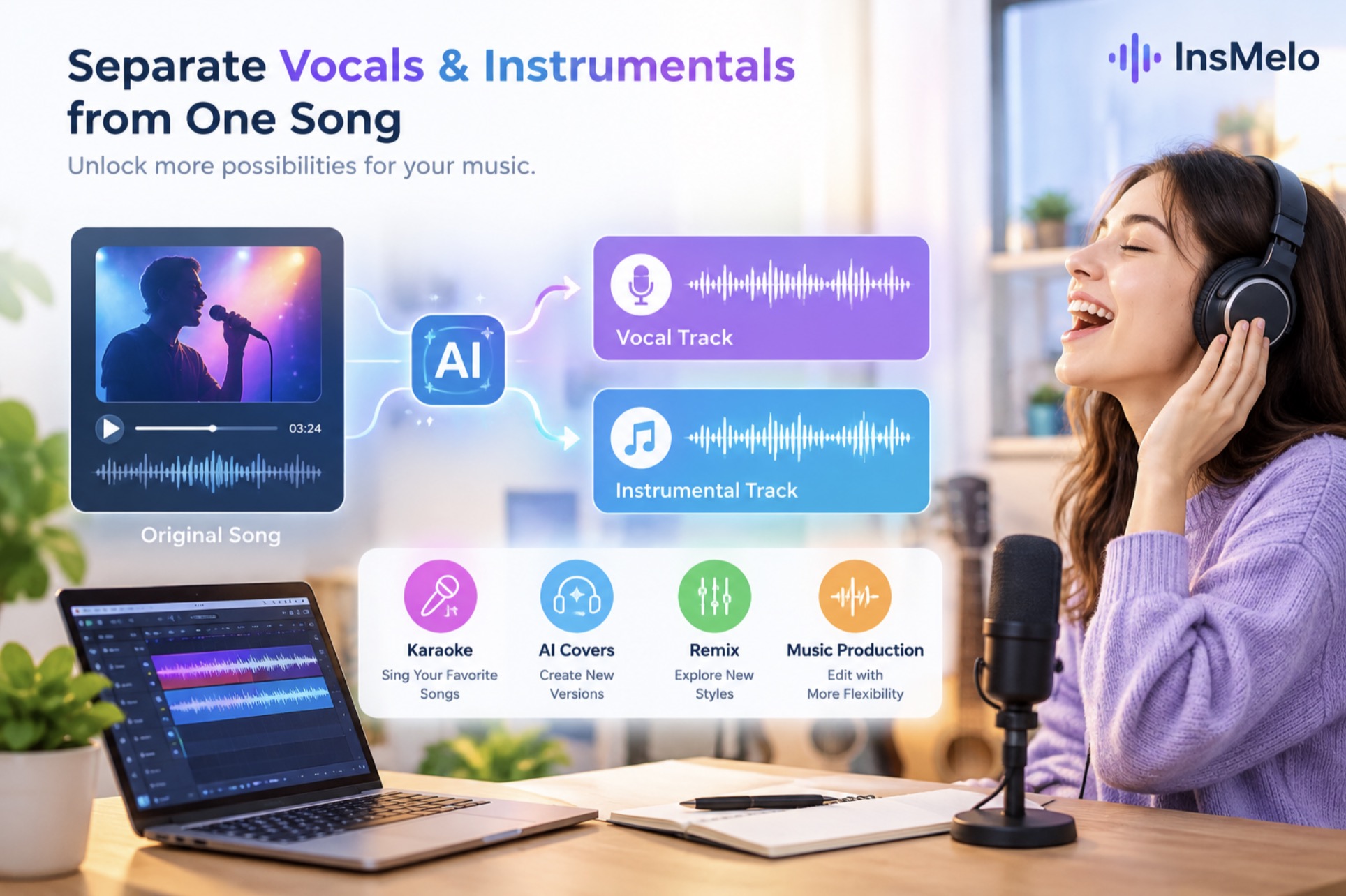
AI vocal separation approaches the problem differently. Machine learning models analyze audio patterns to distinguish vocal characteristics from instrumental sounds. This makes it possible to produce separate vocal and instrumental tracks from a single imported song.
The resulting files can support different creative workflows. Singers can practice with an instrumental backing, producers can experiment with existing arrangements, and creators can prepare isolated vocal tracks for further editing. The quality of the output depends on the original recording, but AI makes the process considerably more convenient.
How InsMelo Helps Separate Vocals and Instrumentals
InsMelo offers an online vocal remover designed to simplify audio separation without requiring advanced production knowledge.
The basic workflow is straightforward: import a supported audio file, let the AI process the recording, and preview the separated results. Depending on the available outputs, users can work with the instrumental accompaniment or the isolated vocal track for their next project.
One important consideration is musical detail. A useful instrumental track should retain the rhythm, bass, melody, and supporting arrangement that give the original song its character. At the same time, the vocal output should preserve as much of the singer’s performance as possible.
InsMelo uses AI to help separate these components and reduce vocal bleed, making the resulting audio easier to reuse in compatible creative workflows. However, no separation tool can guarantee perfectly clean results for every recording, particularly when vocals overlap heavily with instruments or effects.
How to Remove Vocals from a Song with InsMelo
Getting started does not require a professional recording studio. The process can be broken down into three simple steps.
Step 1: Import Your Audio
Open InsMelo’s Vocal Remover and upload a song in a supported audio format. Choose a recording that fits your intended project, whether you need a backing track for singing practice or a vocal stem for further editing.
Using a high-quality source file can help improve the overall result. Heavily compressed audio, background noise, and complex vocal effects may make separation more difficult.
Step 2: Let AI Process the Recording
Start the separation process and allow InsMelo to analyze the audio. The tool works to distinguish the vocal component from the instrumental arrangement, producing separate audio outputs for different uses.
Once processing is complete, listen to both tracks. Check whether the instrumental version retains the important musical elements and whether the isolated vocal sounds clear enough for your project.
If you notice residual vocals or small artifacts, try another source recording when possible. Different mixes can produce different results.
Step 3: Download and Use the Separated Tracks
After reviewing the outputs, download the tracks you need and move them into your preferred workflow. You can use an instrumental track for karaoke, import a vocal stem into a digital audio workstation, or combine separated elements with other audio in a remix.
This approach reduces the need for manual editing and gives creators a practical starting point for experimentation.
Five Ways to Use AI Vocal Remover
1. Prepare Karaoke and Singing Practice Tracks
One of the most familiar applications is karaoke. Removing the original lead vocal allows singers to perform over the song’s instrumental backing. It can also help beginners practice timing, phrasing, and pitch without competing with the original singer.
2. Create AI Song Covers
AI cover projects often require an appropriate vocal or instrumental source. Separating the original song into individual components can make it easier to prepare audio for compatible cover-generation tools. Users should ensure they have the necessary rights and permissions before creating or publishing derivative works.
3. Experiment with Remixes
Producers can use isolated vocals to experiment with new beats, tempos, and musical styles. An existing vocal performance might become the centerpiece of an electronic remix or a completely different arrangement.
4. Support Music Production and Editing
Separated stems provide more flexibility during editing. Producers can adjust the vocal and instrumental components independently, build transitions, or use individual elements as references when developing original compositions.
5. Create Content for Digital Platforms
Video creators and musicians can incorporate properly licensed audio elements into promotional clips, music-related videos, and other digital projects. Separating vocals and instruments can make it easier to adapt a recording to a specific creative concept.
From Audio Separation to Original Music Creation
Vocal removal is useful when you want to work with an existing recording, but some projects require an entirely new soundtrack. InsMelo also provides tools that help users create music with AI, offering another route for turning creative ideas into music.
Rather than searching for an existing track that fits every requirement, creators can explore AI-assisted music generation for different moods, genres, and project concepts. This can be useful for independent musicians, social media creators, and anyone experimenting with music without a traditional production setup.
Together, AI music generation and vocal separation address two complementary needs: creating new audio and preparing existing music for further use.
A More Flexible Way to Work with Music
Separating vocals from a finished song no longer needs to be a complicated technical task. InsMelo provides an accessible way to extract vocal and instrumental tracks from a single recording, helping users prepare audio for karaoke, AI covers, remixes, and music production.
Although results depend on the source material, AI-powered separation can save time and create new opportunities for experimentation. For musicians and everyday creators alike, it offers a practical starting point for exploring familiar songs in new ways.