
New superstructure One UI Samsung's 9 brings a number of nifty improvements, but one feature caught my attention the most. It's the ability to create your own cards within the Now brief.
While in previous versions you had to rely on automatically generated content, One UI 9 gives you full control over it. Straight to the lock screen (over the bar Now), home You can put together exactly the kind of overview that makes sense to you, either on the screen or in the panel on the edge.
You might be interested in
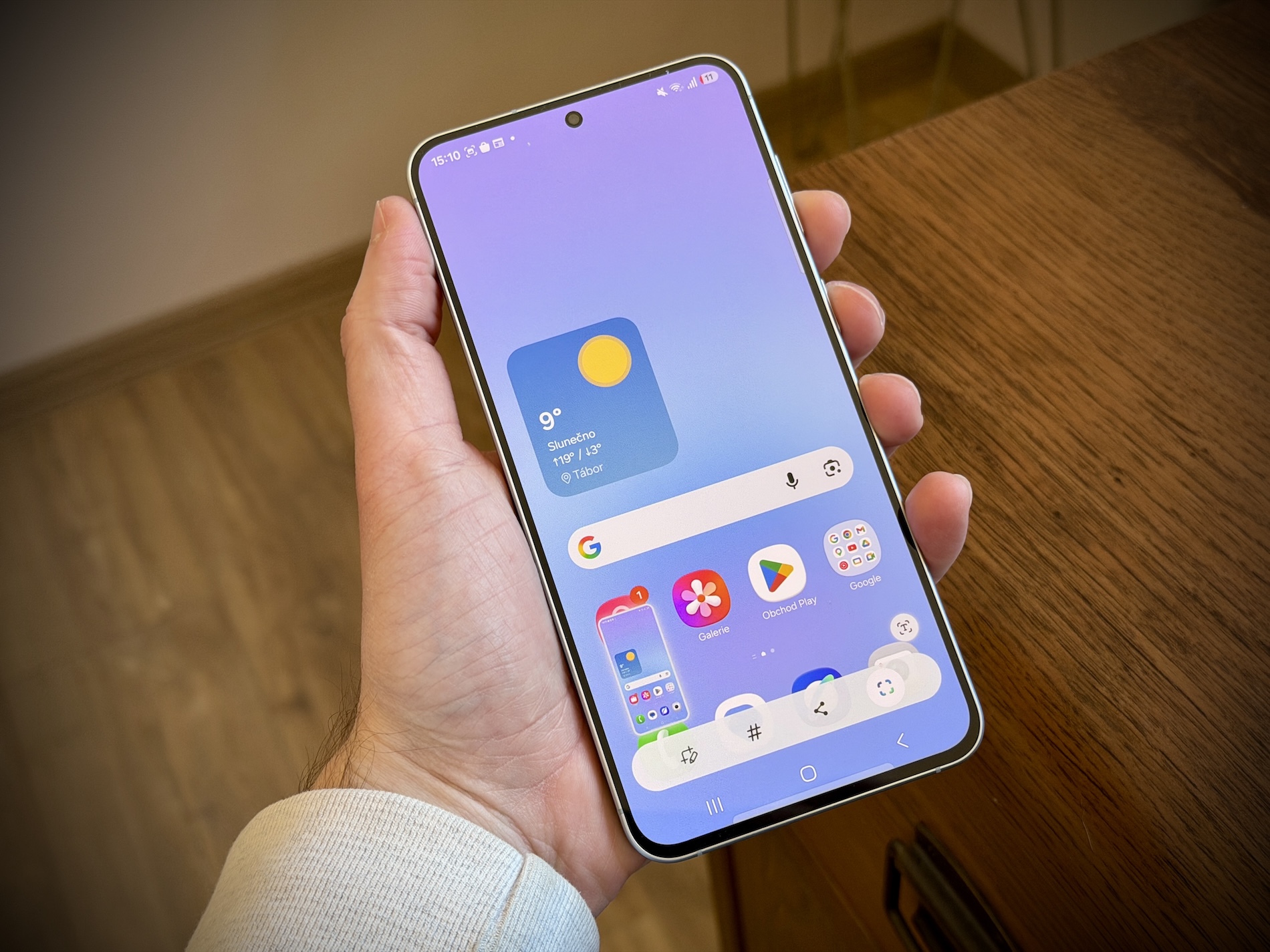
Function Now brief combines data from the Samsung ecosystem and using Galaxy AI serving you up-to-date information when you need it. With the arrival of One UI You can define up to 3 custom cards according to your preferences. For example, you can create:
- Weather tab: A morning card that will show you not only the temperature when you wake up, but also the UV index and a recommendation on whether to bring an umbrella.
- Health tab: Instead of just the number of steps, you can view a summary of your completed goals, Energy score, and calories burned in the evening.
- Videos tab: Evening content recommendations from your favorite Samsung apps or services.
How to create your own card step by step
Creating your own Brief Now card is not difficult and will only take a few moments. Specifically, you just need to follow these steps:
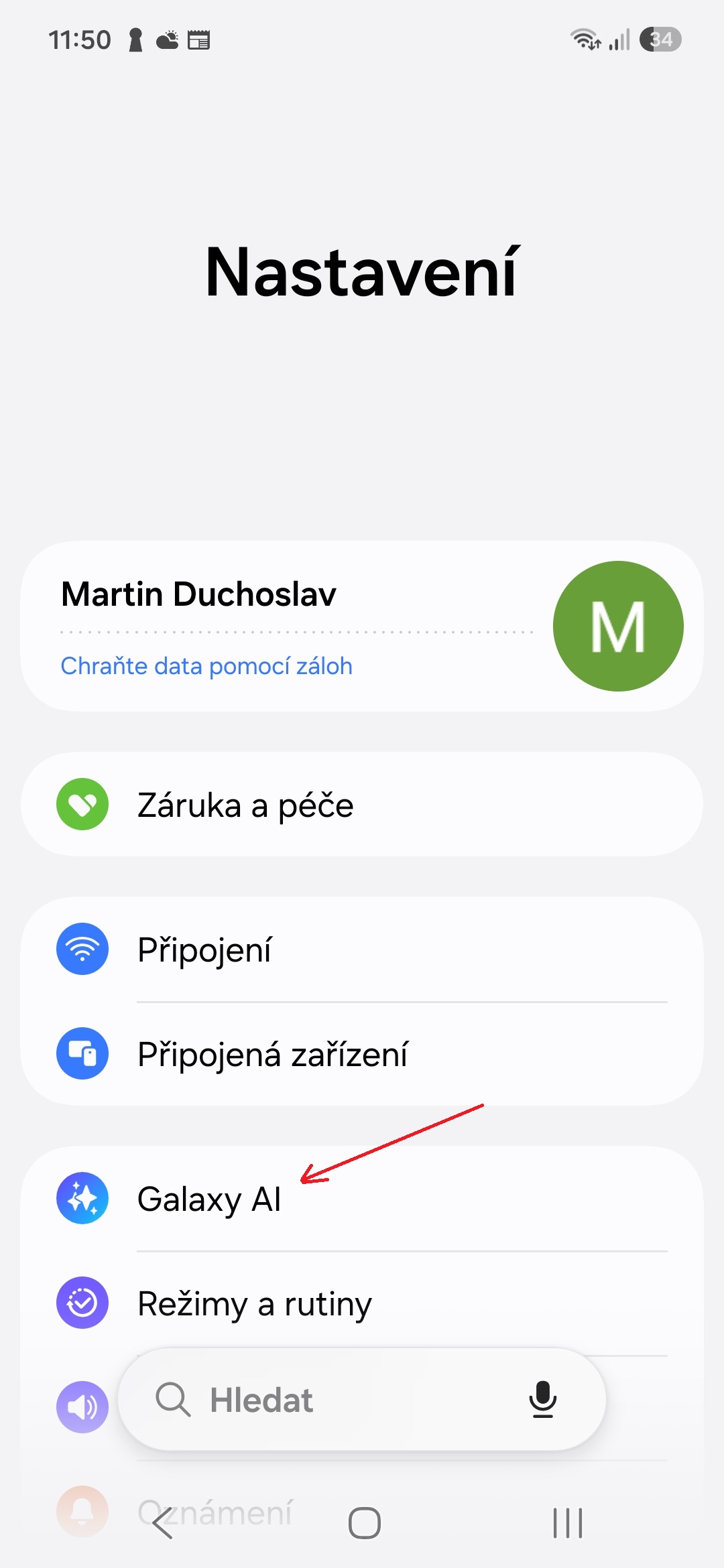
- Open Settings.
- Go to menu Galaxy AI.
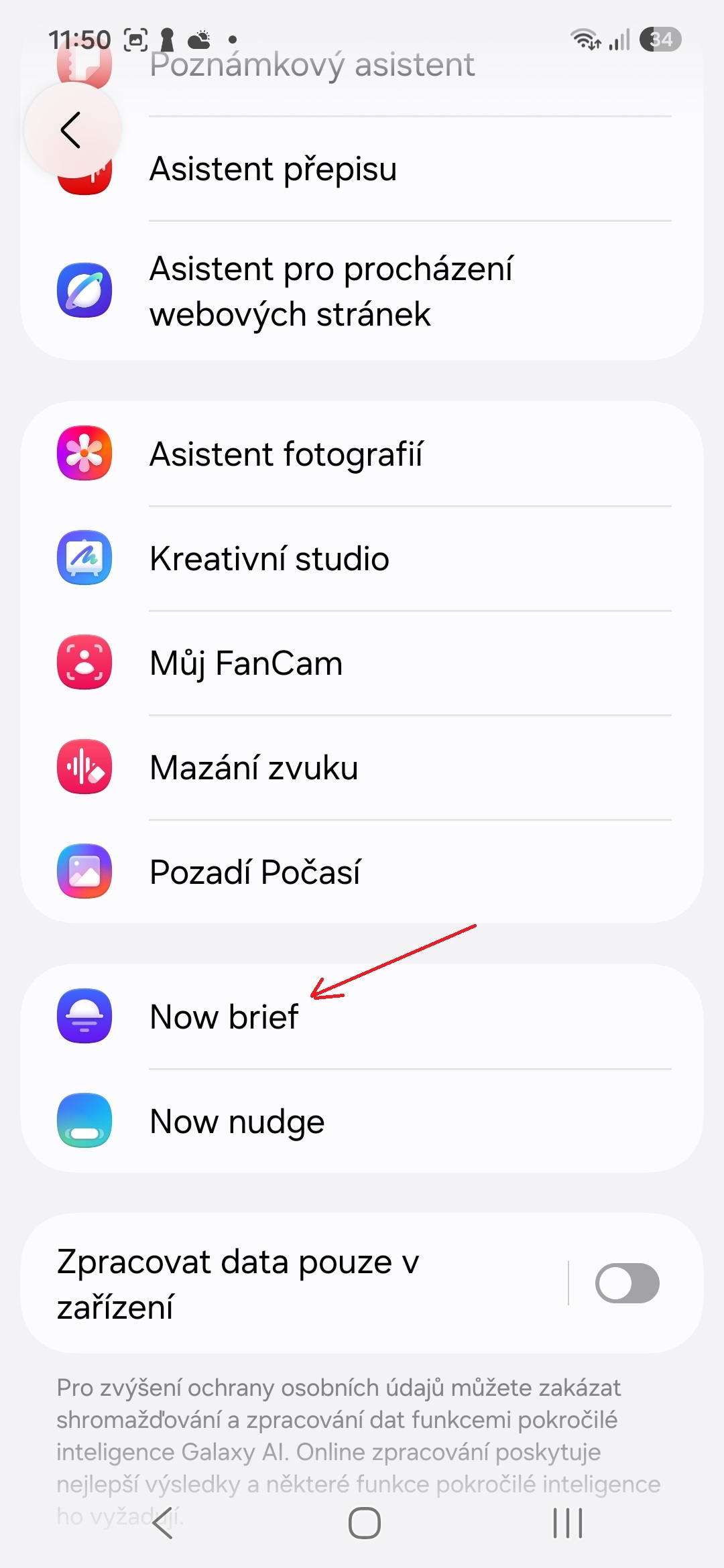
- Click on the item Now brief.
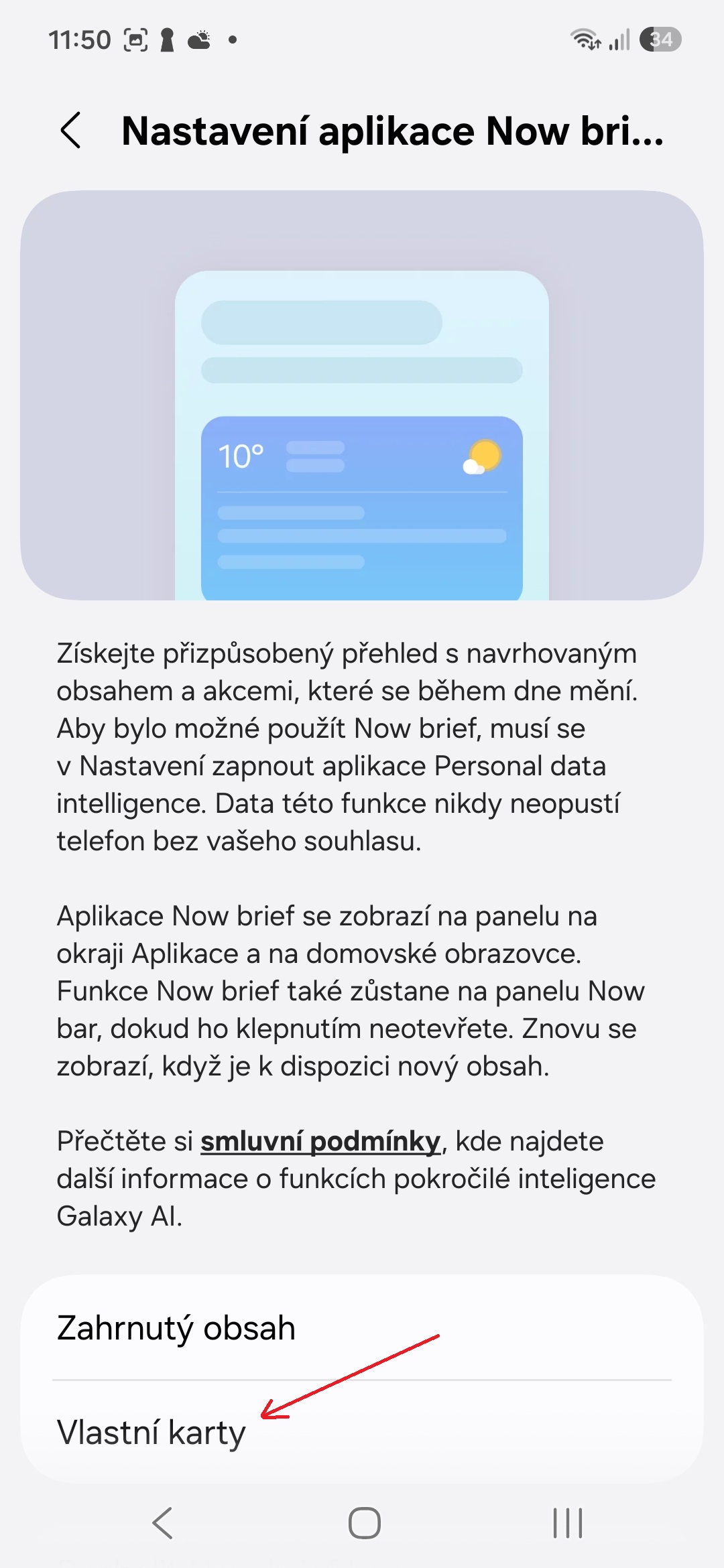
- Click on the option Custom cards.
- At the top, tap plus icon.
- Select the desired thematic category – Weather, Health or Videos (In my case it will be the second one mentioned.)
- Choose what specific information you want the card to contain and click the button Další.
- Choose what time the card should appear in the panel Now brief discover.
- Click on the button Generate.
Gallery
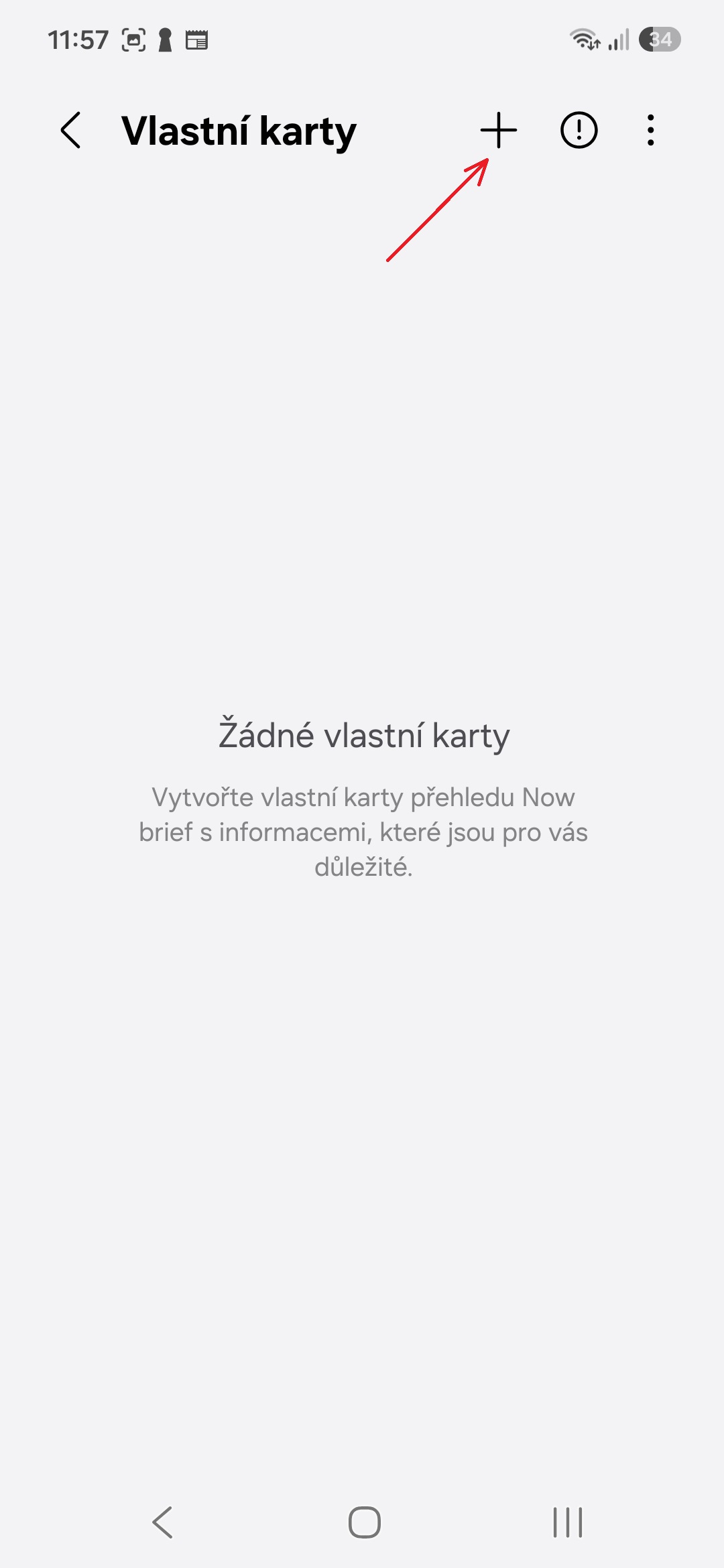
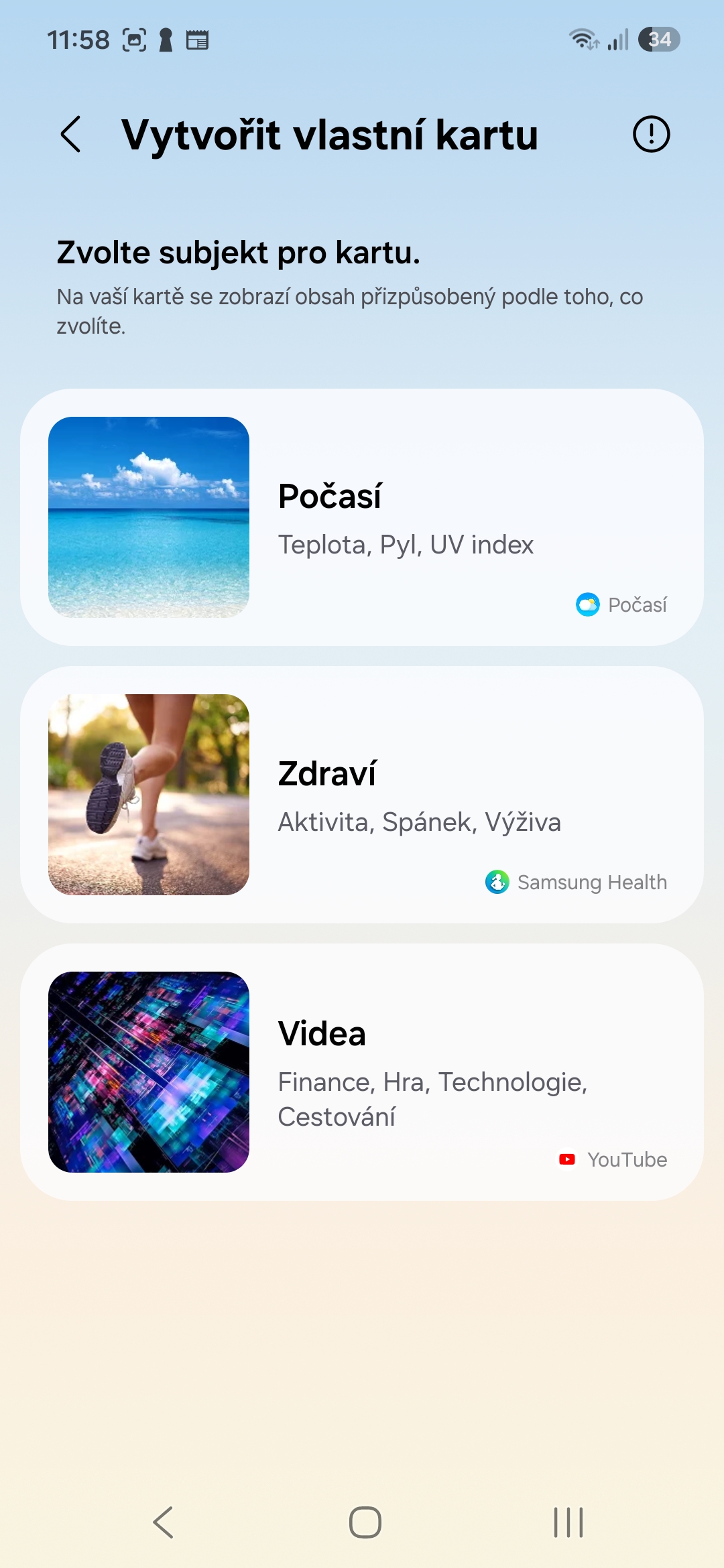
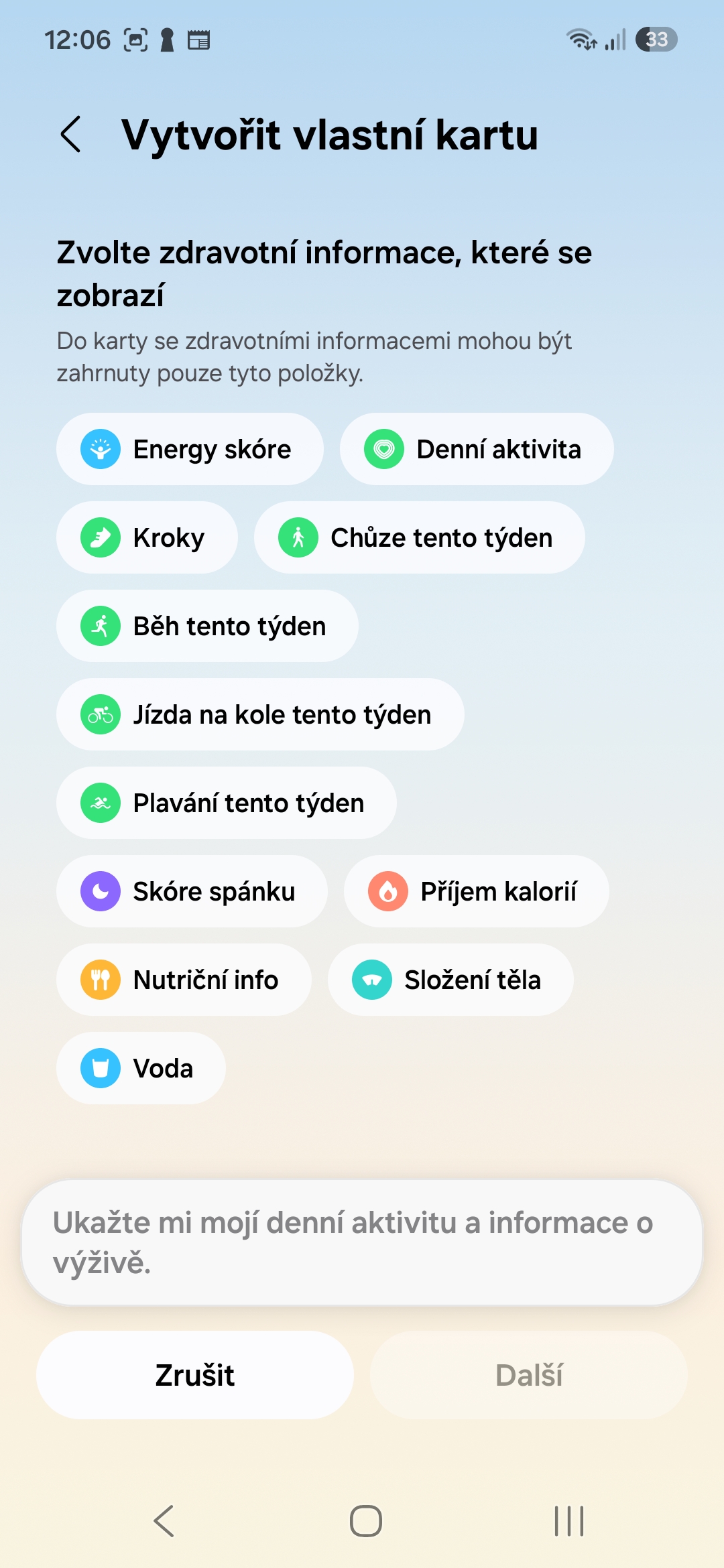
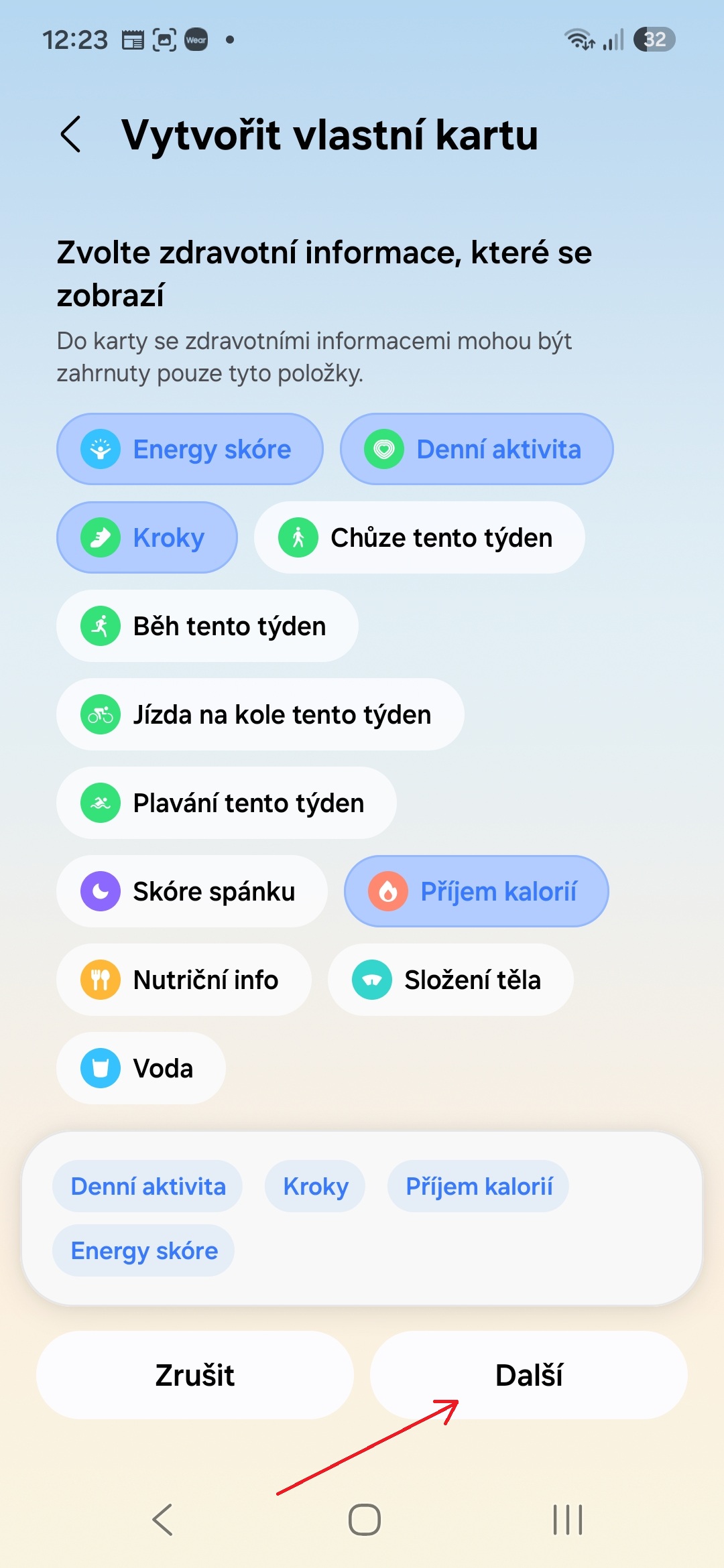
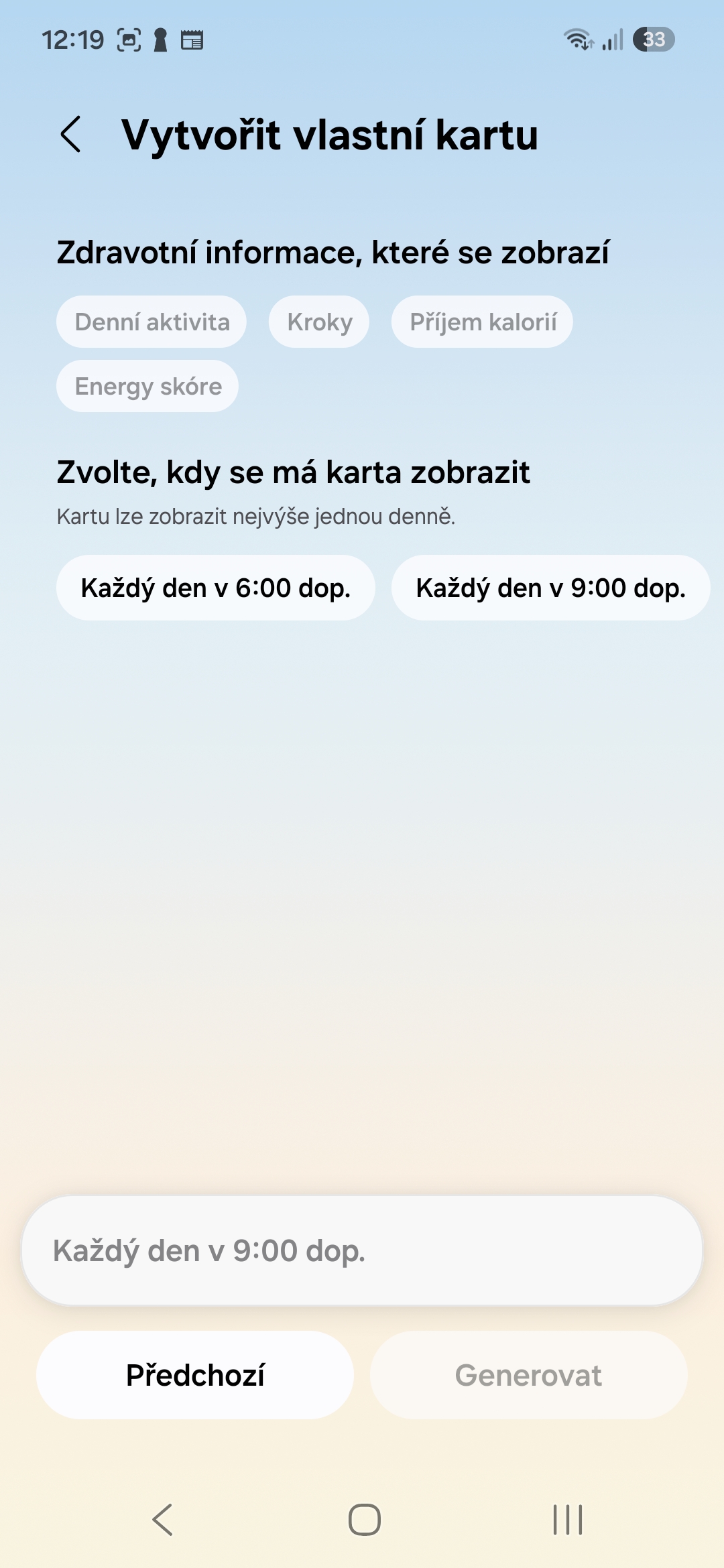
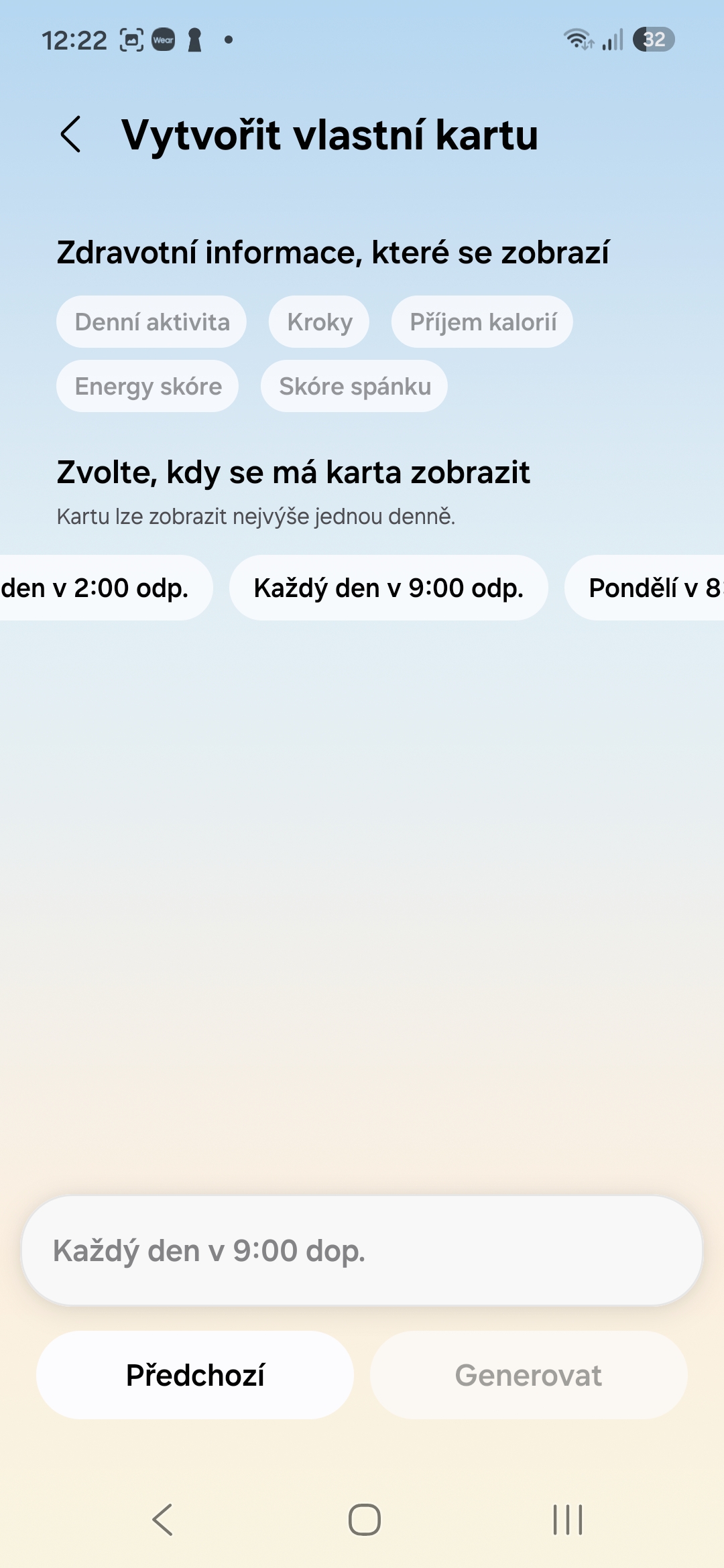
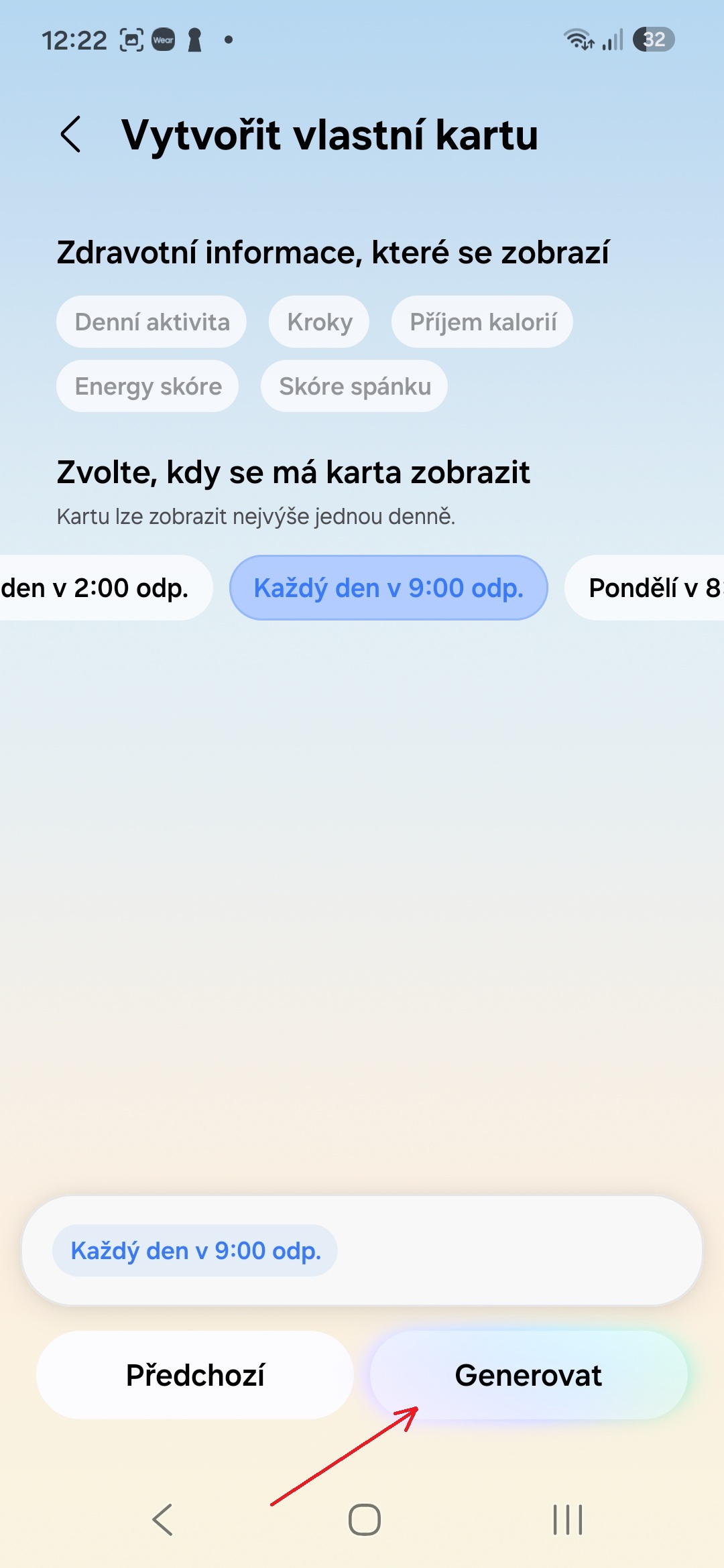
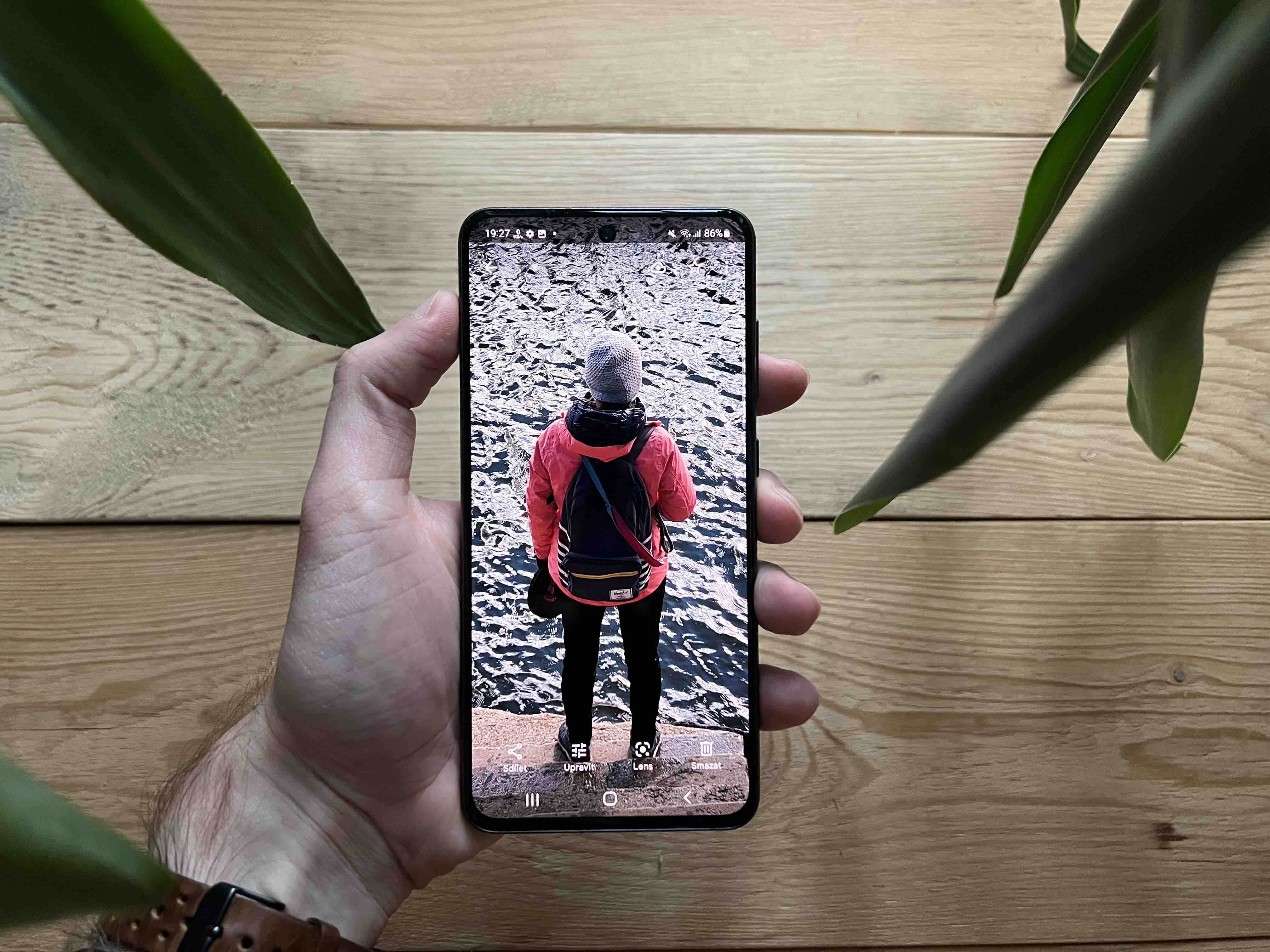
I will add that in one moment you can create maxat least 3 custom cards. If you want to create a new one, you must delete one of the existing ones. Once I'm on my Galaxy S24 FE tried the new custom card system, the old static widgets have lost their meaning to me to some extent. Its nThe biggest advantage is that the cards keep you on the screen nestThey sprout all day long, but appear exactly at the time when they make sense (e.g. morning or evening).


It always says that I have to log in to my Samsung account again to use it, so I laboriously logged out and logged in and it still doesn't work
It's a bit of a shame that the weather, videos and overview from (Samsung) health are almost completely useless in practice.