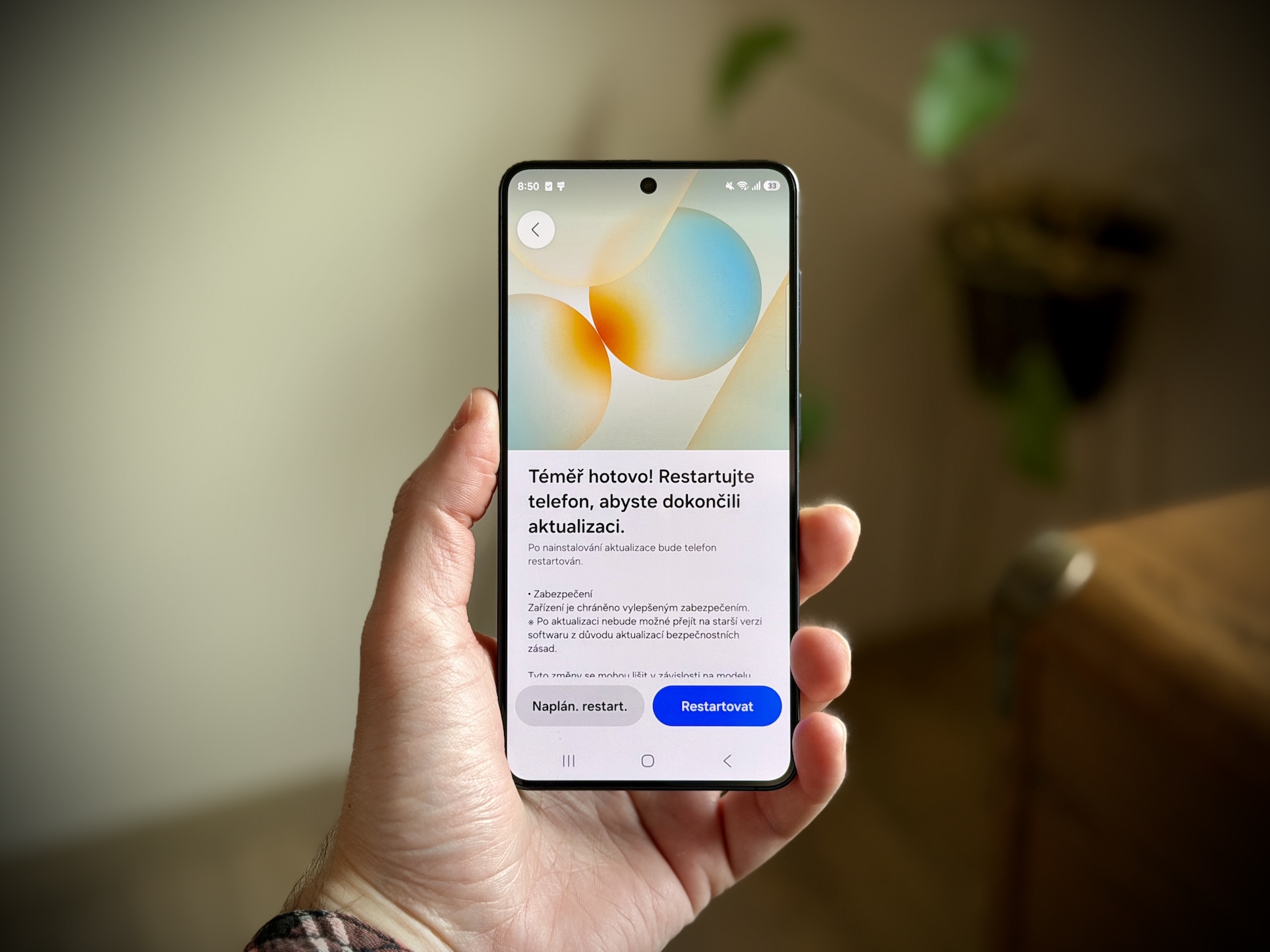
Samsung surprised all owners of smart home devices last week by preparing a major redesign of its app. SmartThings, but he didn't send it to the phones Galaxy. Nor on other Android devices. The first to receive it were users SmartThings on iOS. But now Samsung is repairing its reputation and sending the update to Android devices as well – including Galaxy phones and tablets.
SmartThing it is its own application Samsung designed to control a smart home, but does not want to keep it only for the needs of its own ecosystem. On the contrary, it is trying to compete with Google Home or Apple HomeKit and entice users to control smart appliances through their own menu. And to make the application even more attractive, he prepared a more modern look inspired by design language Material 3 Expressive. Plus moved certain items to new tabs and windows.
You might be interested in
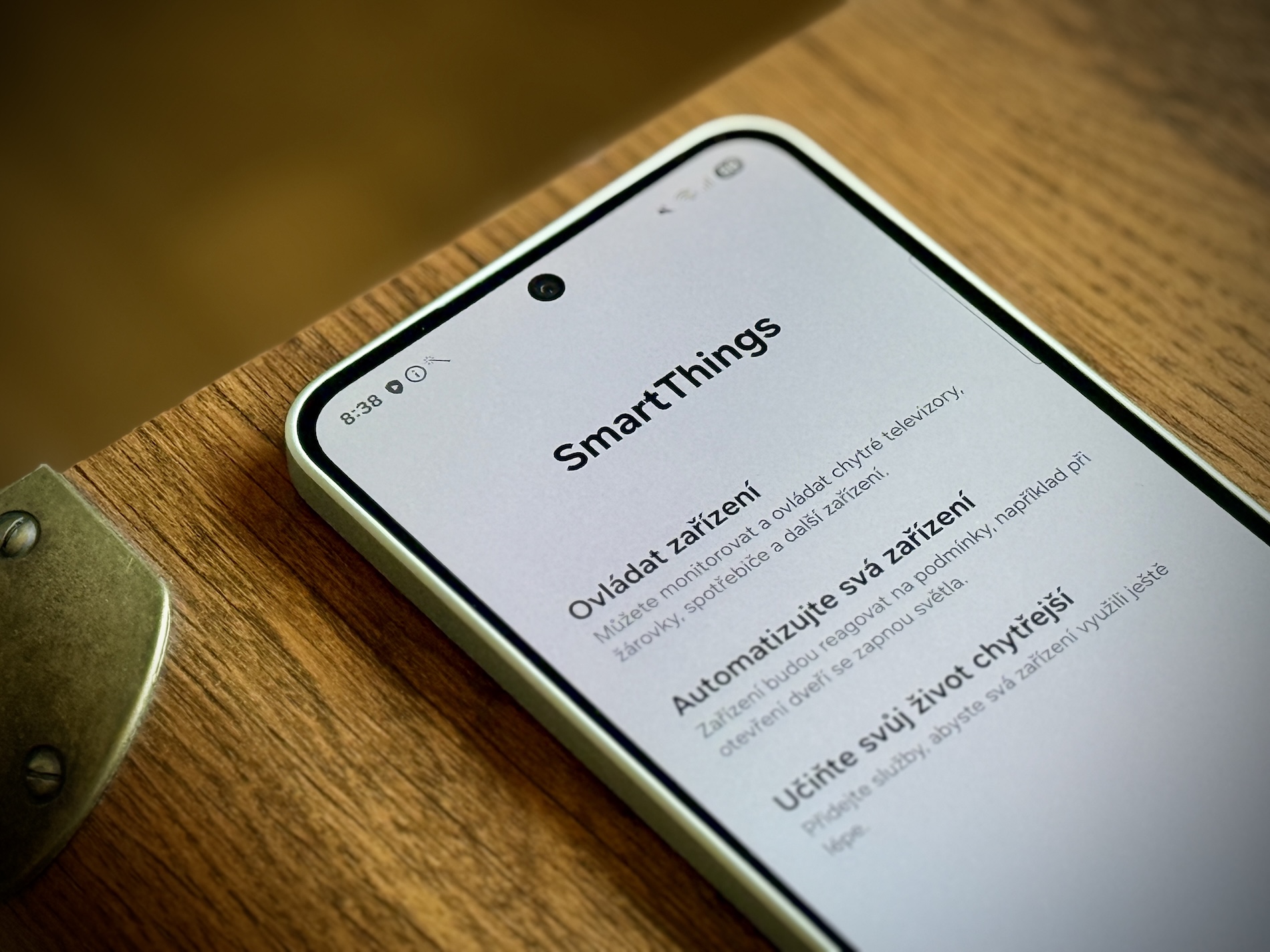
About the redesign SmartThings The rumor started a few months ago, when hints emerged that Samsung was changing the code. And now the news is reaching the first phones Galaxy and on selected Android devices. Over time, however, all users should get the new look. And what exactly is different?
SmartThings changes locations and buttons
New version of the app SmartThings 1.8.51.30 It is mainly notable for the presence of a floating tab panel located at the bottom of the screen. This eliminates the solid block and the appearance with rounded edges better matches the current design Android 16 and Android 17Samsung doesn't admit to taking inspiration from Google, but I can clearly see it here. In fact, other text fields also get rounded borders, something Google has done in its apps in the recent past.
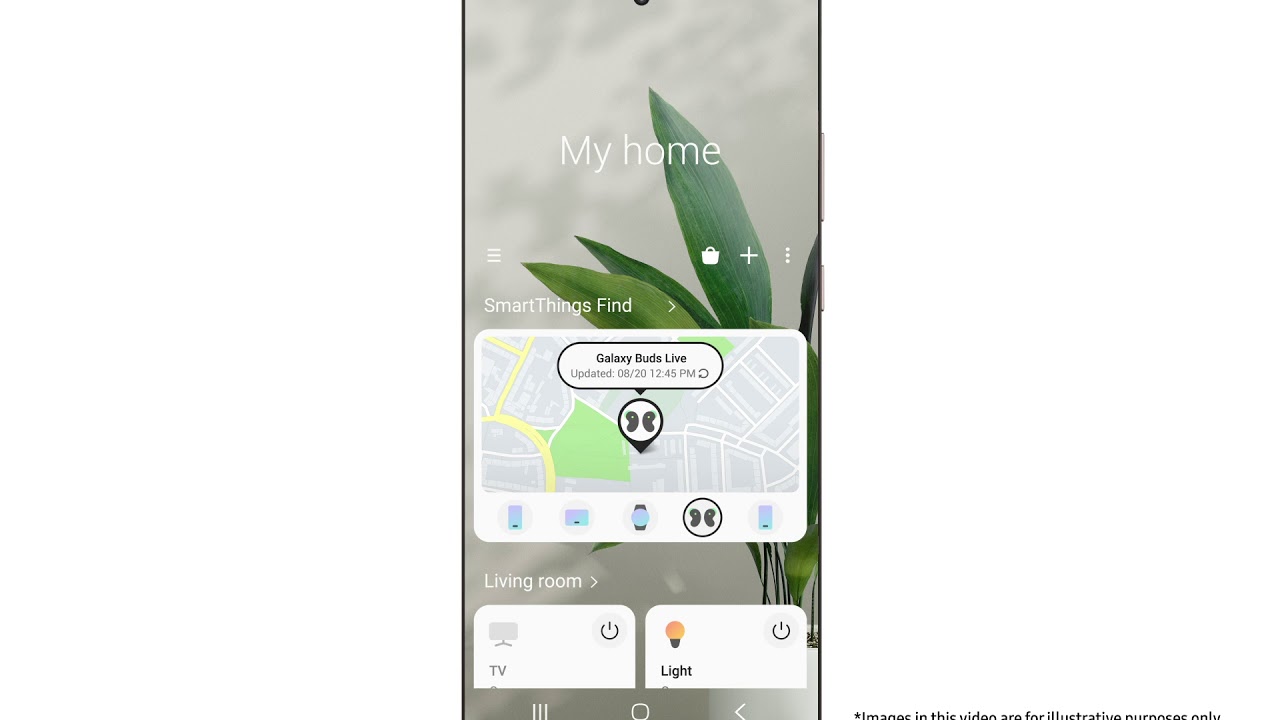
Big change in SmartThings also took place on the main card Home. It now displays all routines and also favorite deviceEach item takes up less space than before, so more can fit on the page. But if that doesn't suit someone, they can easily make them larger to suit their needs.
Gallery
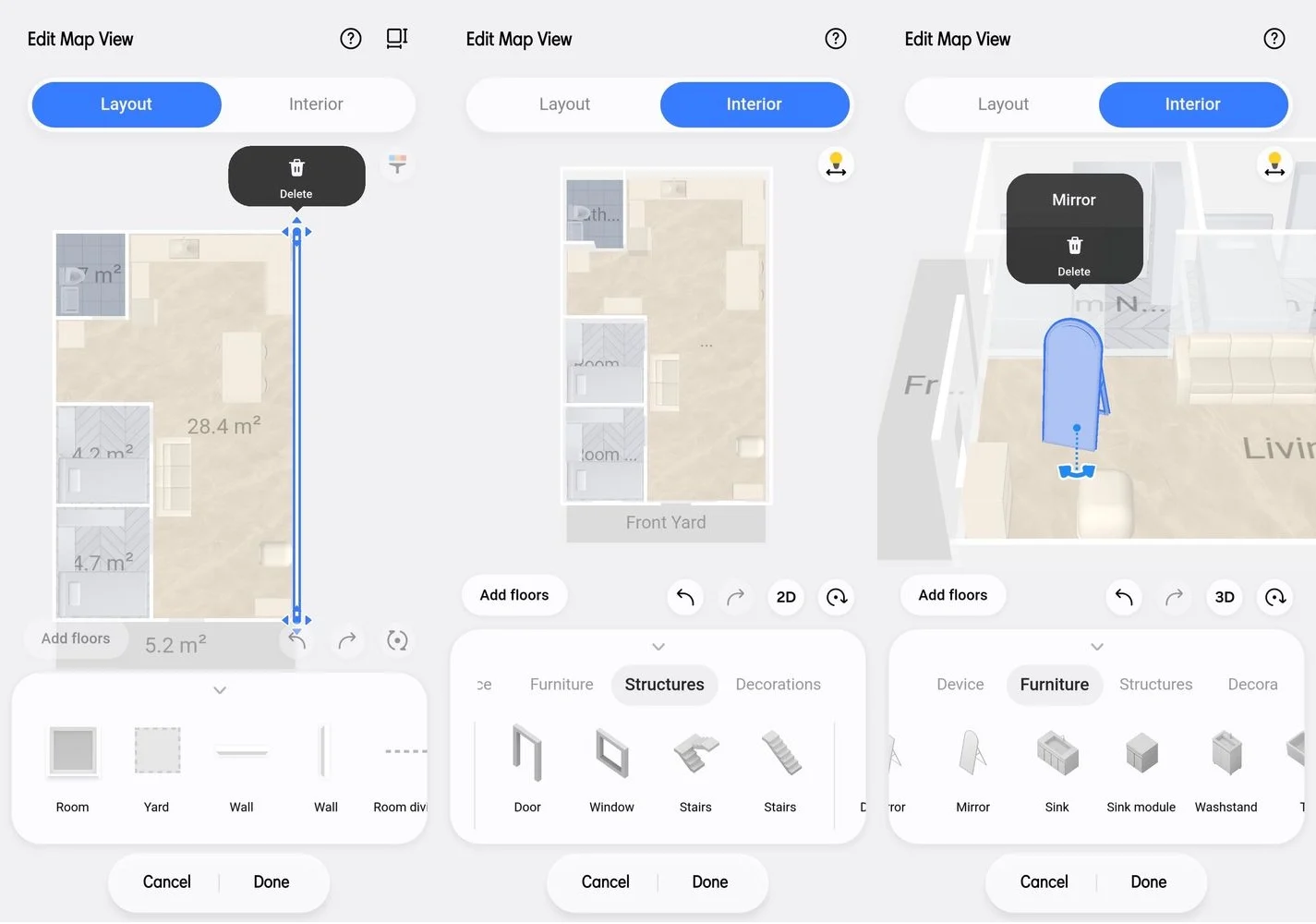
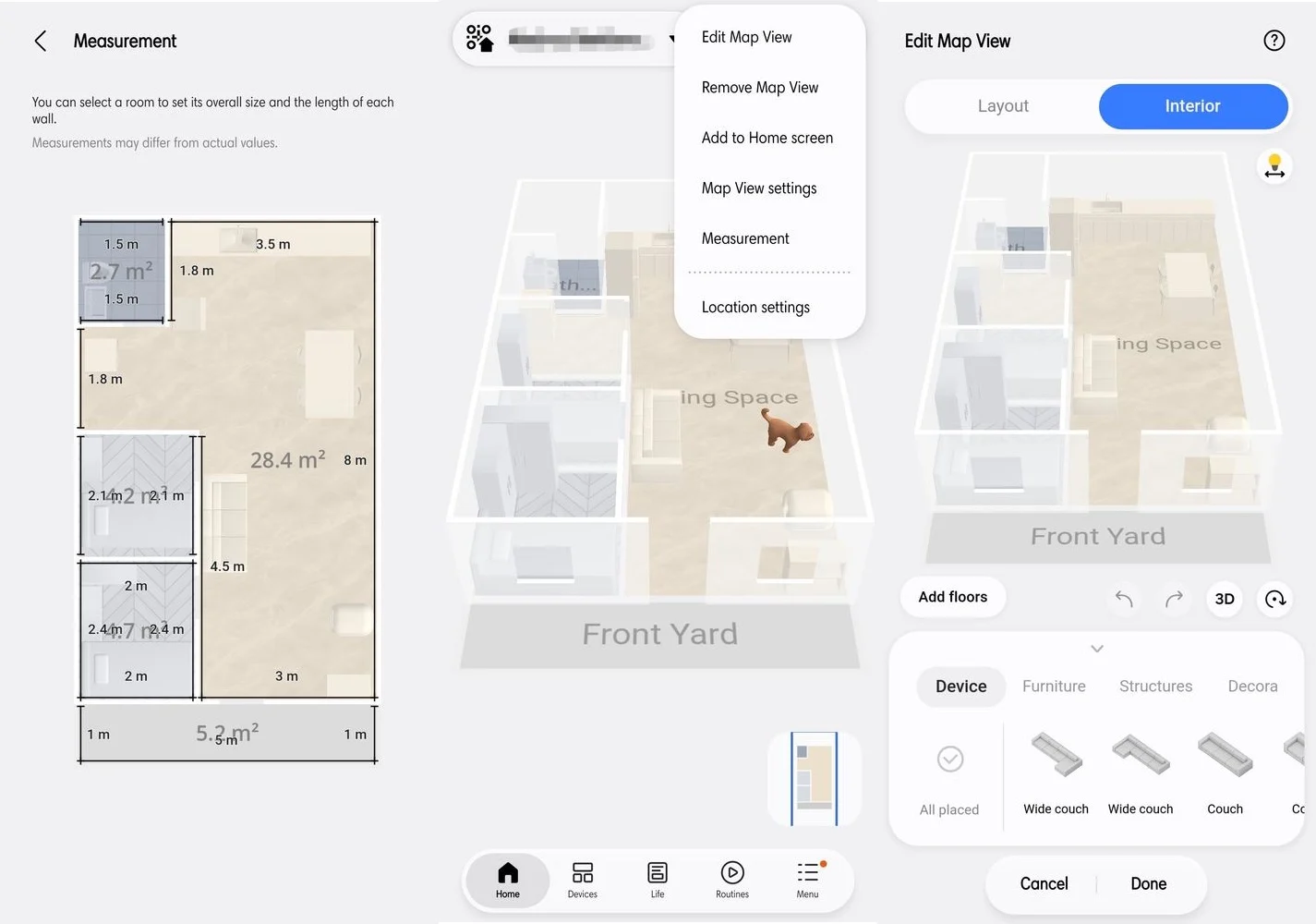
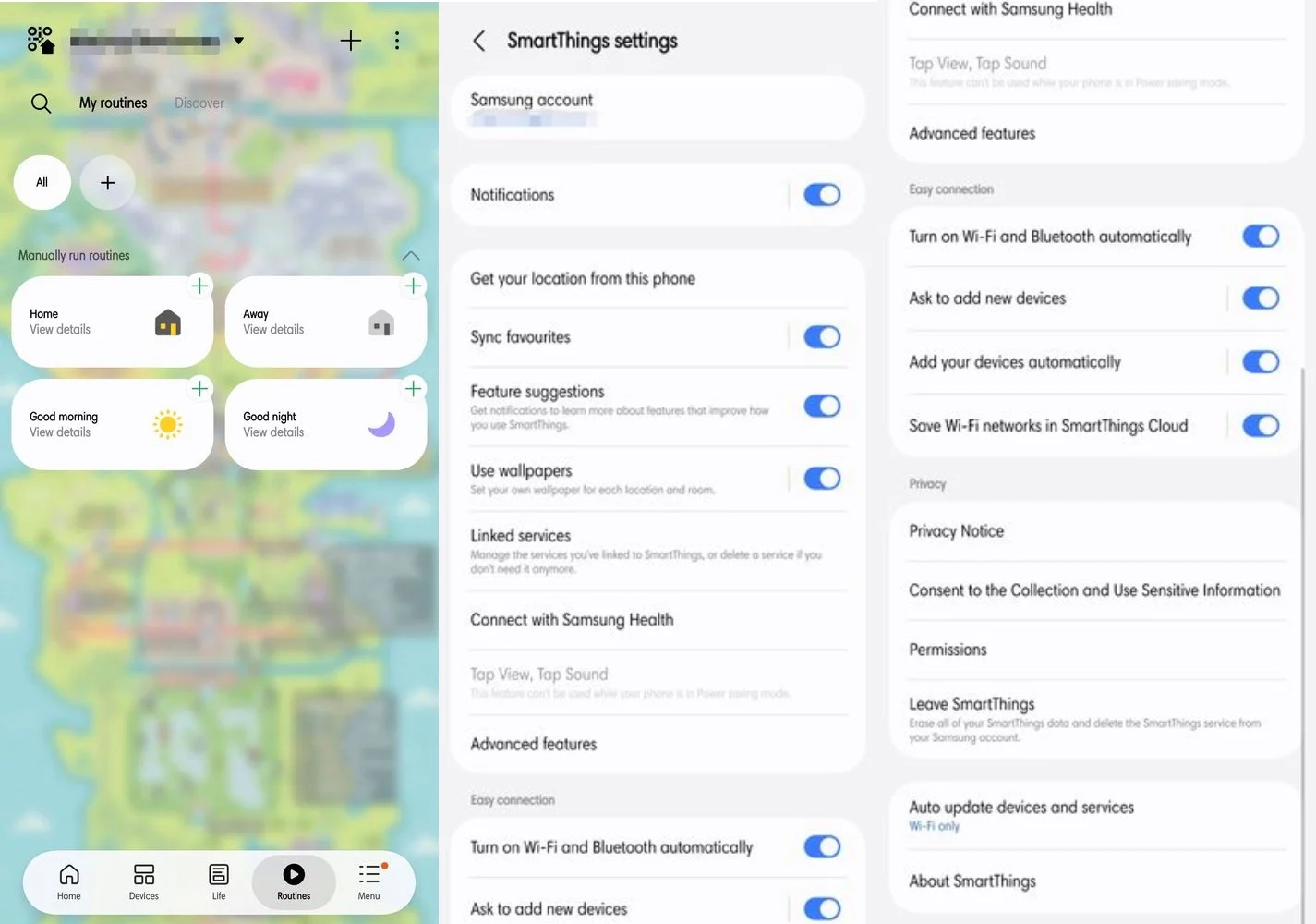
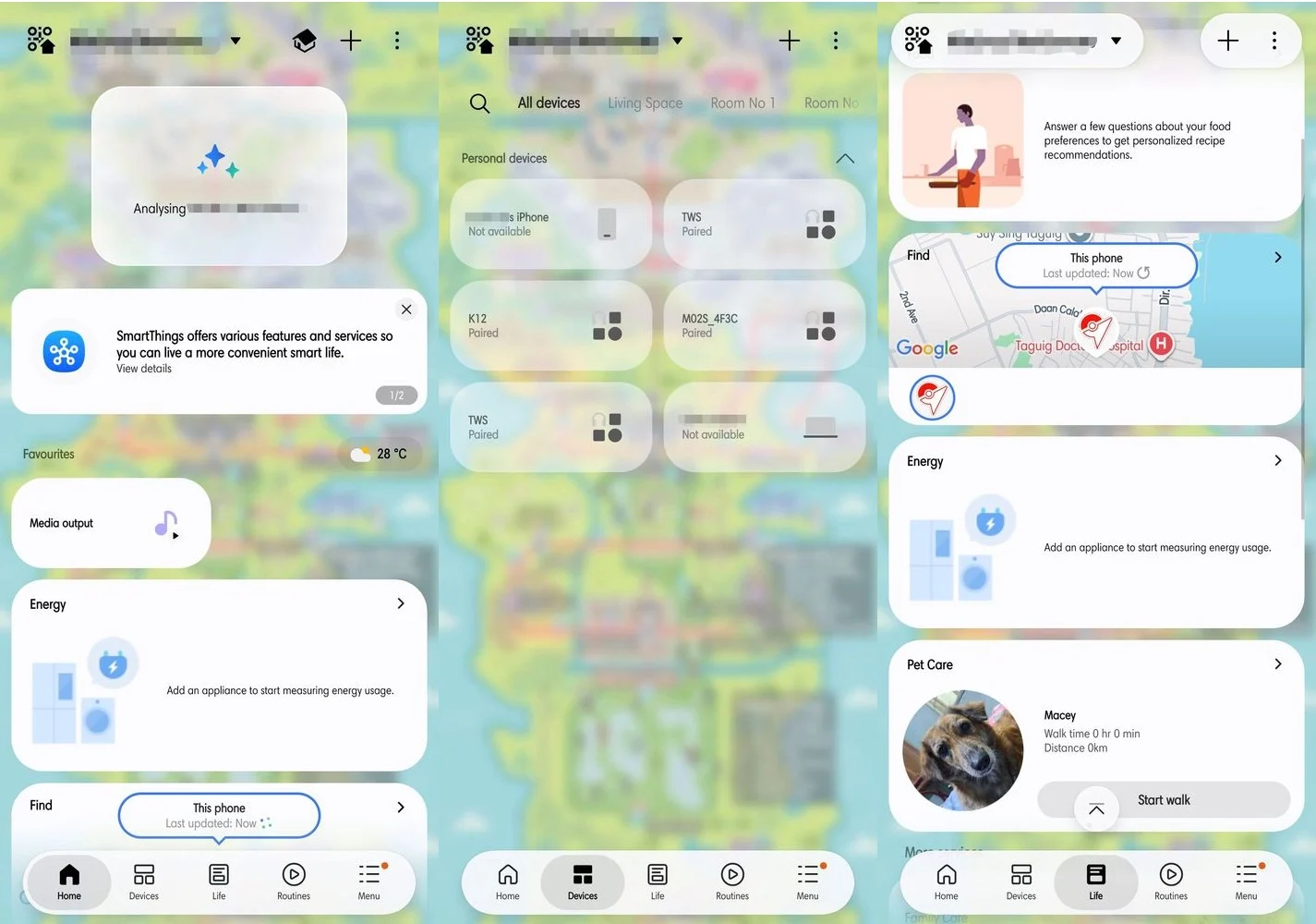
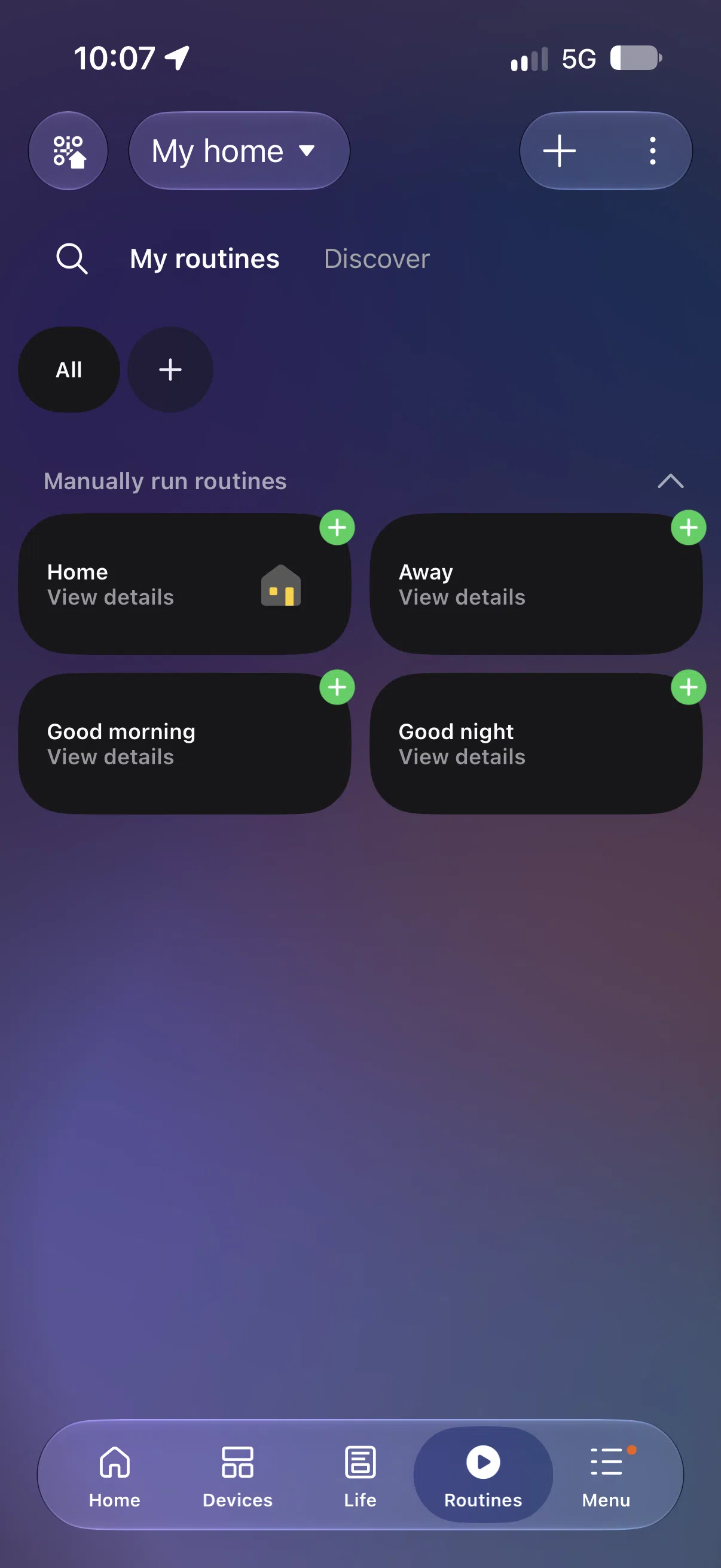
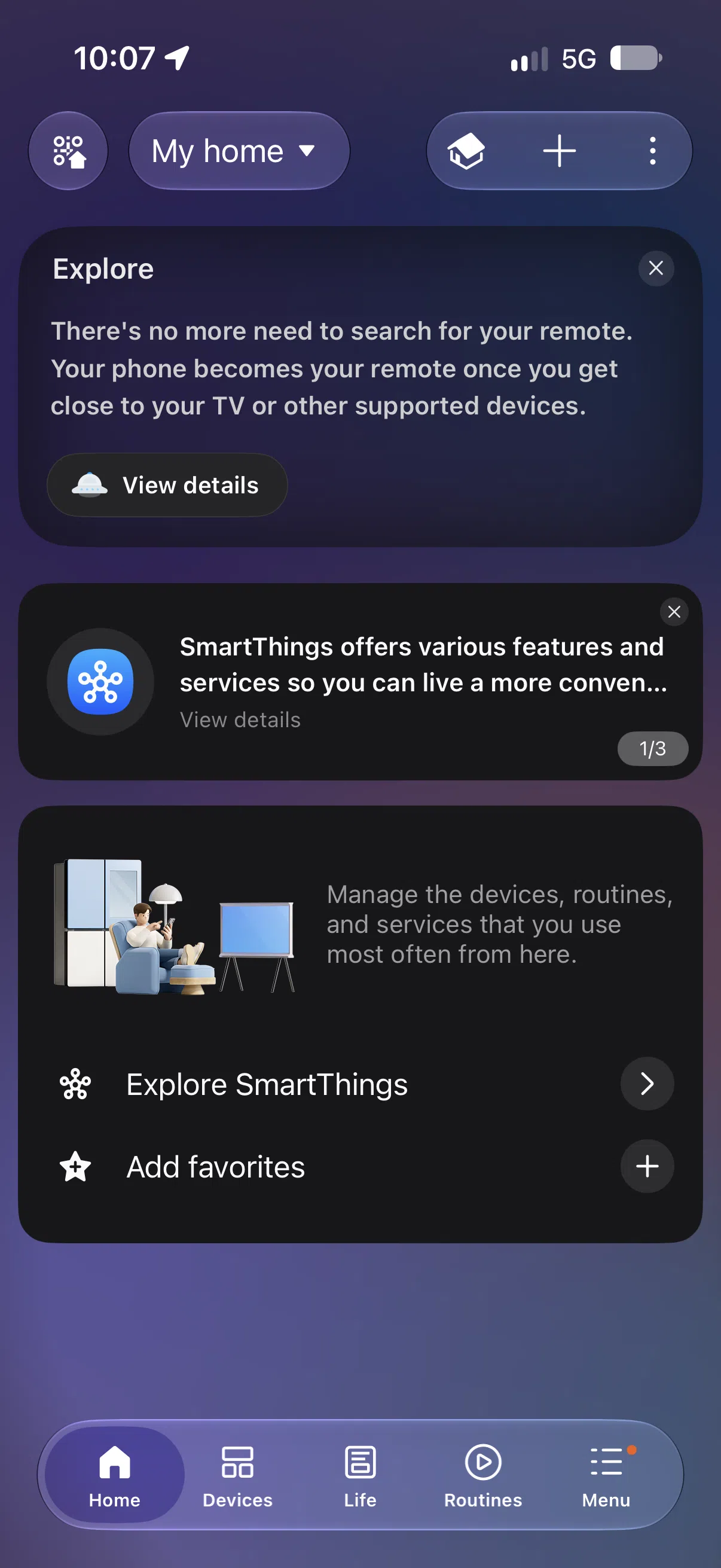
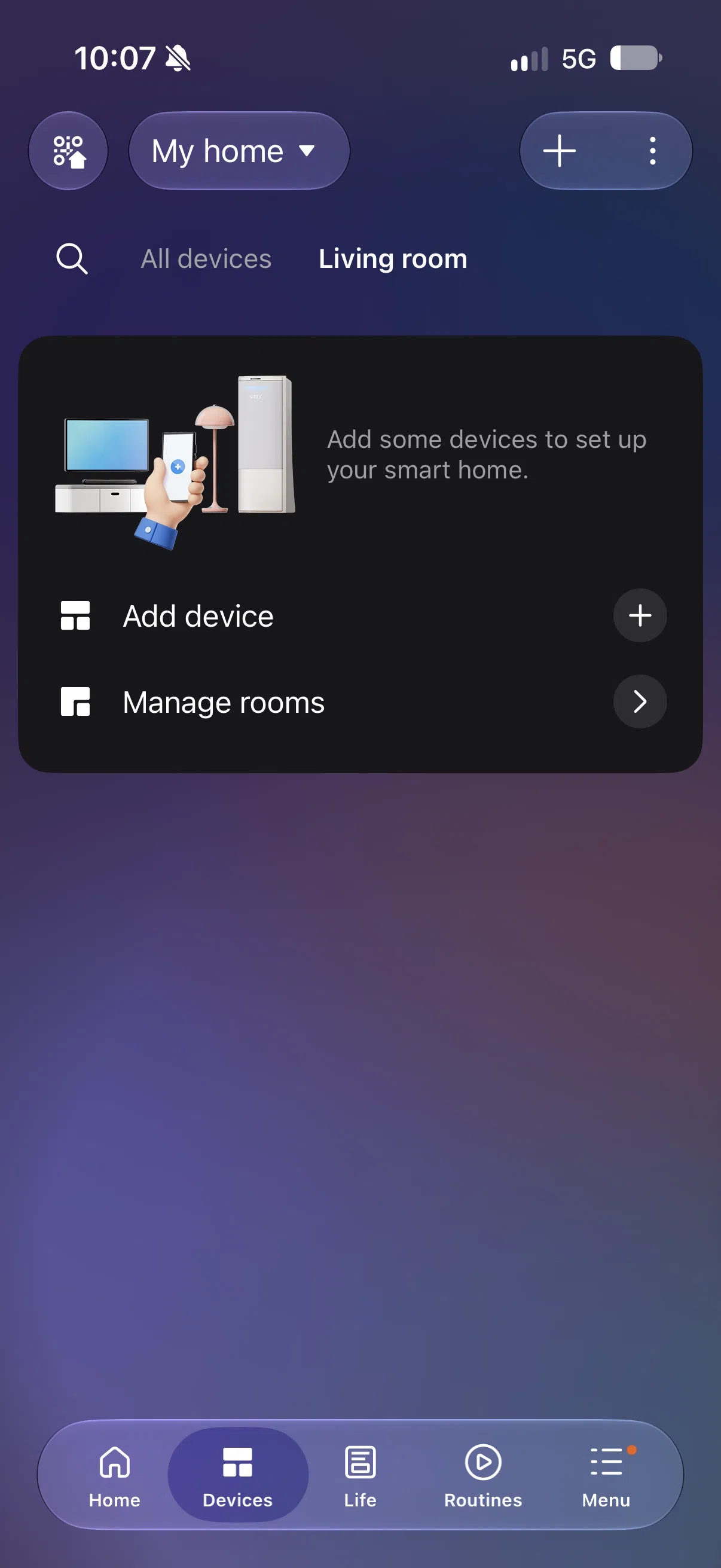
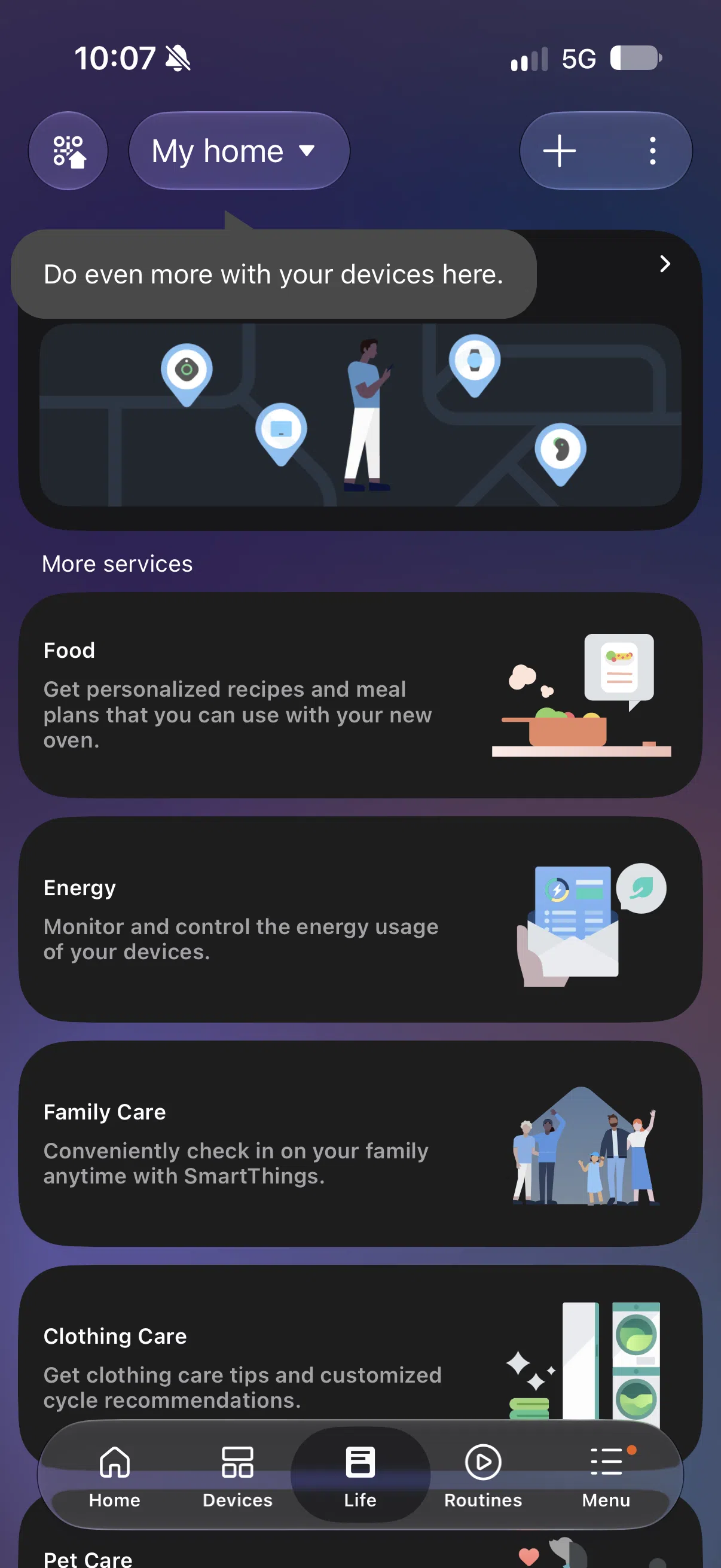
I was also interested in the card. Equipment, where all smart devices from the home are now displayed. There is also a room plan that can be switched to 2D or 3D view. More playful individuals can equip rooms with lights, furniture and other items directly on the display, creating a perfect copy of the existing home. And Samsung has also better grasped the display locations, maps or new updates.
Everything is easier to adjust, more visible than before, and it looks more modern. In any case, the new look captivated me much more than the previous one, and I feel that Samsung is finally entering the 21st century with its application. I would just appreciate it if it made such significant updates available to its own phones before its competing iPhones.