
Like most drivers, I've used Google Maps the same way for years: I typed my destination into the search box, tapped the navigation button, and took the first route the app offered. It was reliable and predictable, so I never really explored Maps beyond its most basic features.
It took me years to discover that beneath the surface of a familiar interface lie features that can make everyday car travel a much more enjoyable and seamless experience. Here are 5 simple tricks that have completely changed the way I approach driving.
Checking traffic before departure
For years, I only checked traffic after I entered my destination. It never occurred to me that I could check traffic before deciding on a specific route.
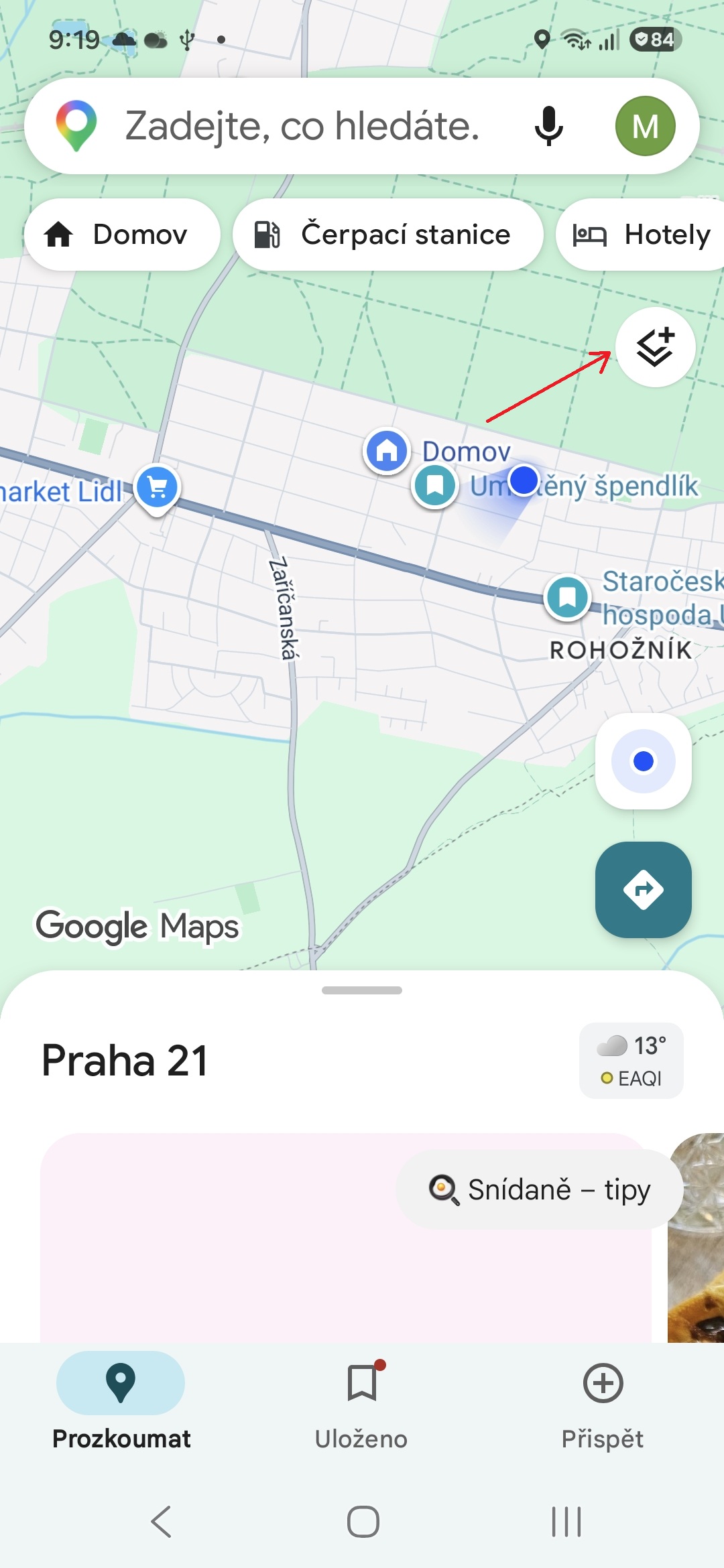
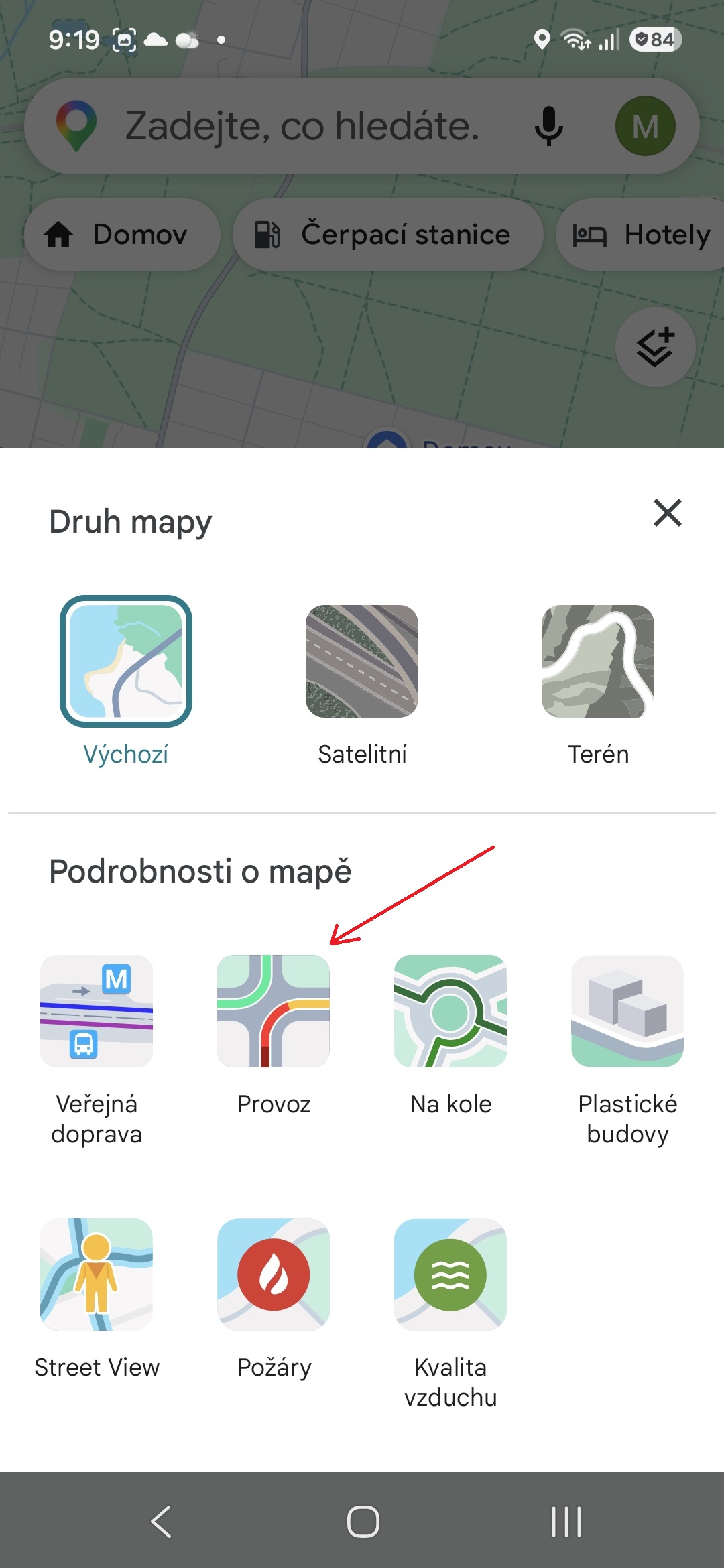
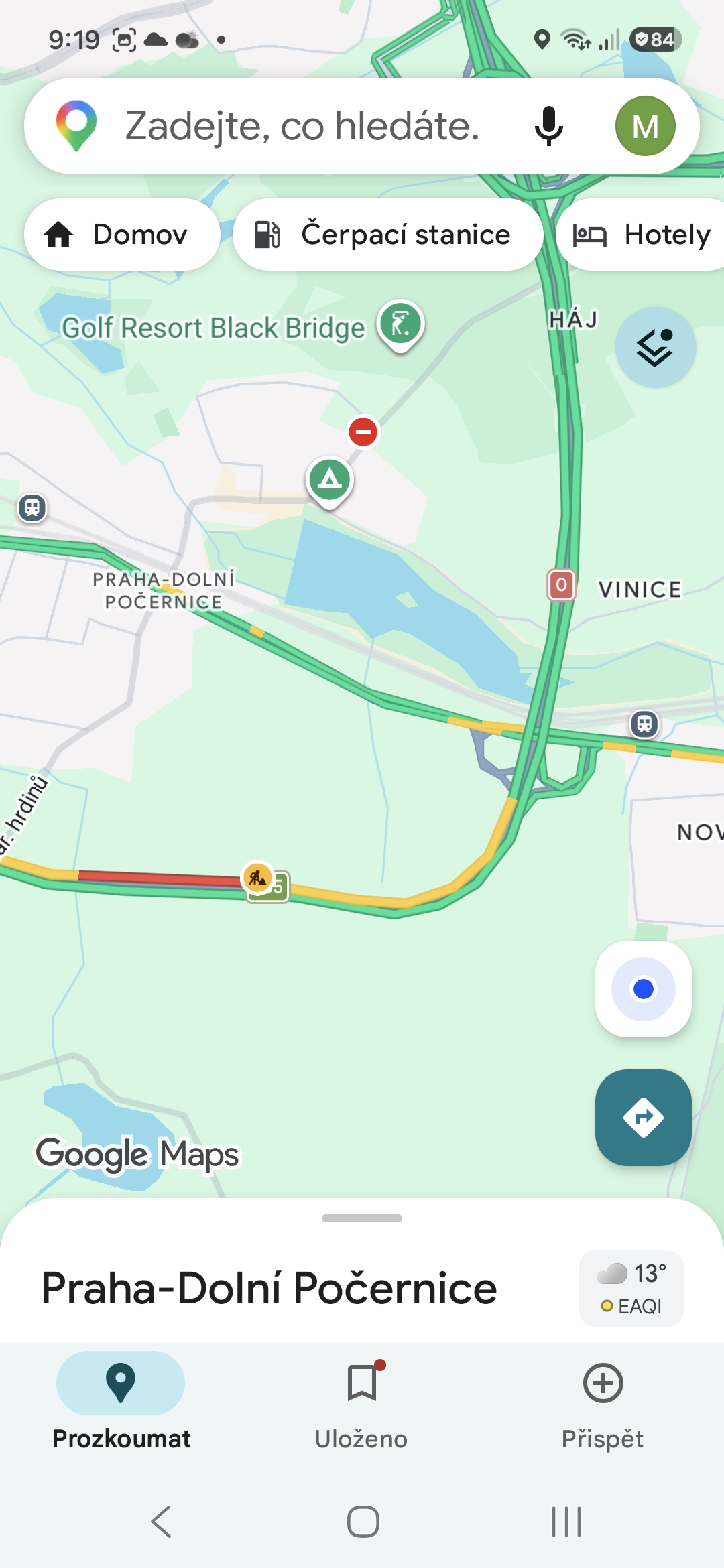
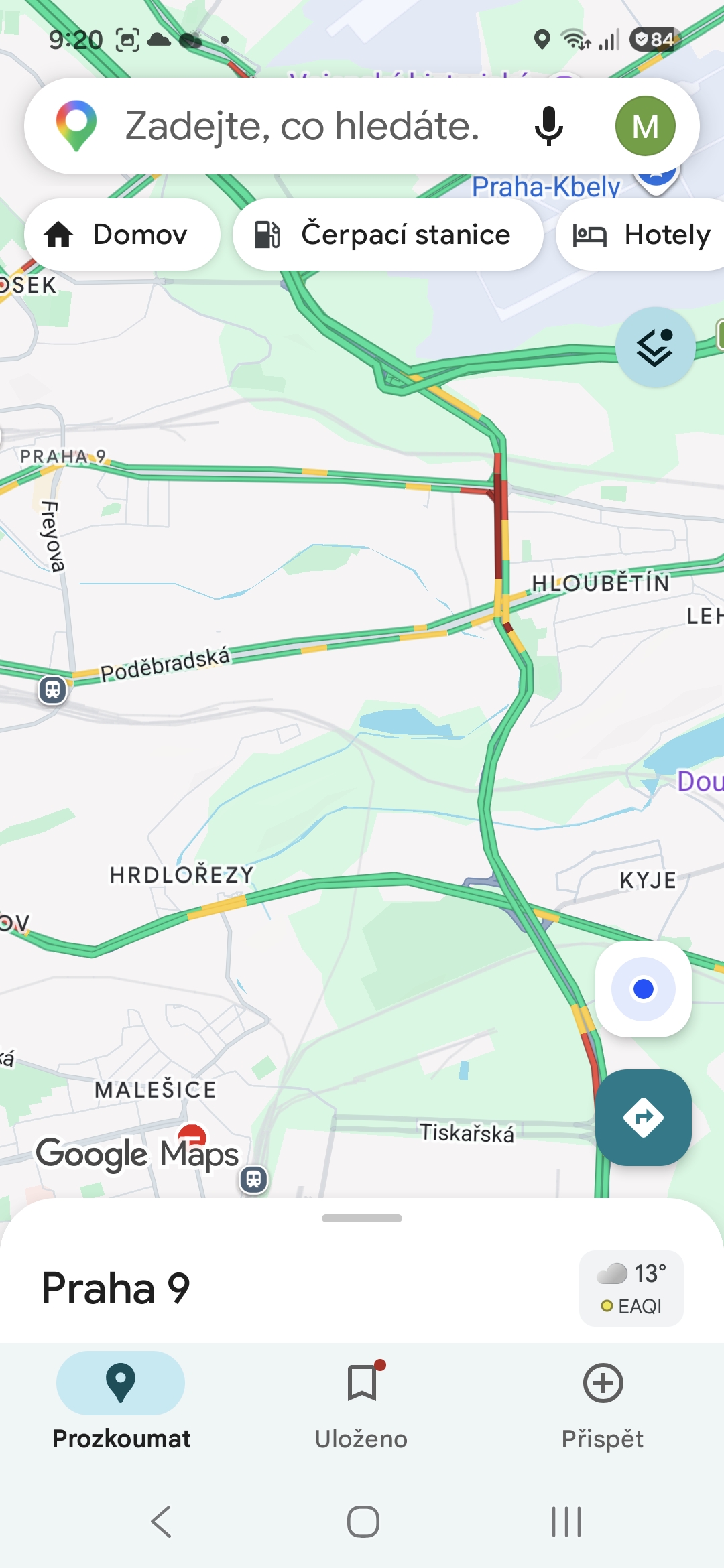
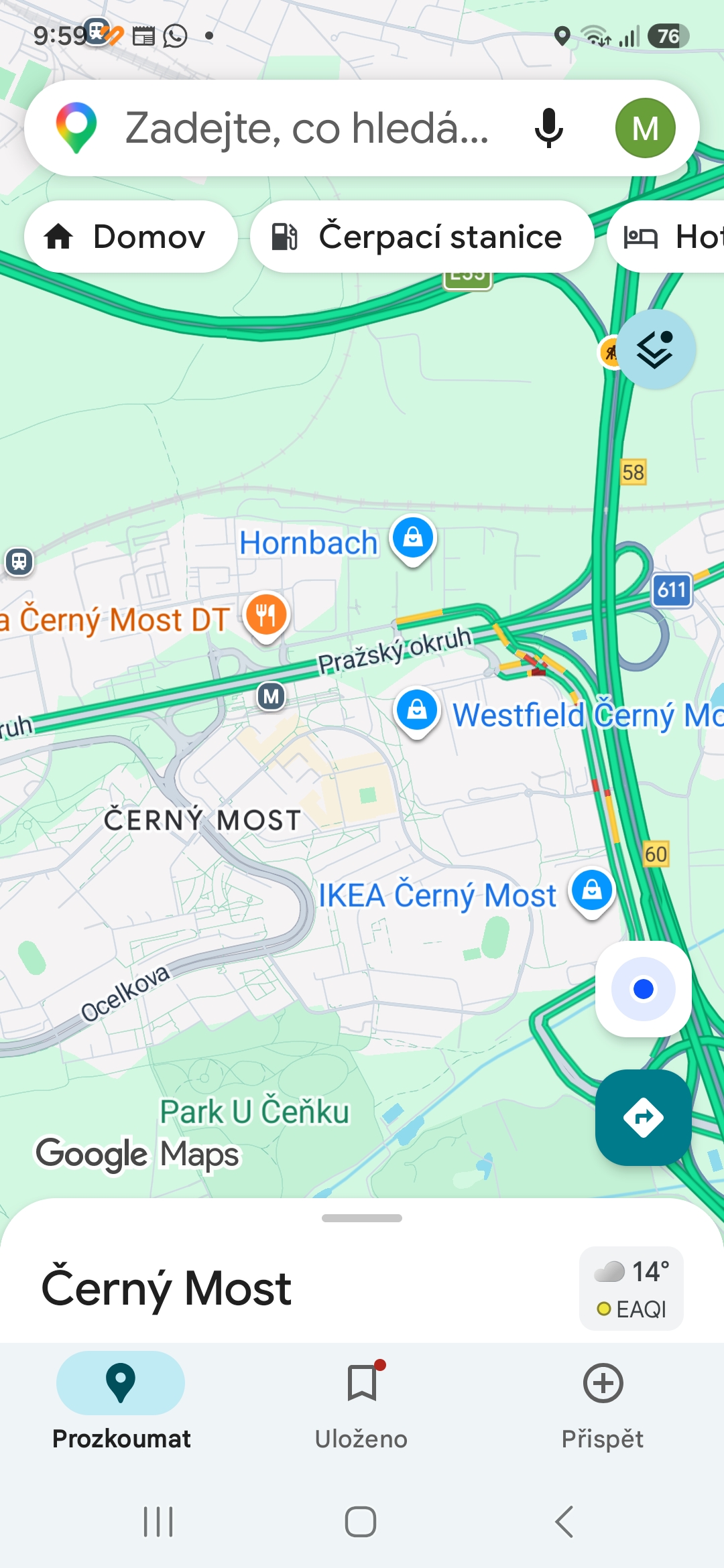
Before I set off on a trip, the first thing I do is open Maps and turn on Traffic under the map layers. The roads around me immediately turn green, orange, and red, showing the current traffic density in real time. I can zoom out to get a better idea of the extent of the traffic, or zoom in to see specific intersections. I do this before I even decide to go somewhere. Sometimes I’ll notice a traffic jam forming in one direction, and I’ll completely change my plans.
Gallery
Fluid Gestures: No more unnecessary typing
Most of us use taps to navigate Maps. We use pinch-to-zoom gestures, pan the map, and tap buttons. It works, but it doesn't always work smoothly, especially when you're walking or carrying a bag in one hand.
My experience with the app changed once I learned a few gestures that made working with the map smoother. The first one is double-tap zoom. Instead of spreading or pinching with two fingers, you just double-tap the place you want to zoom in. This is especially useful when using your phone with one hand.
Gallery
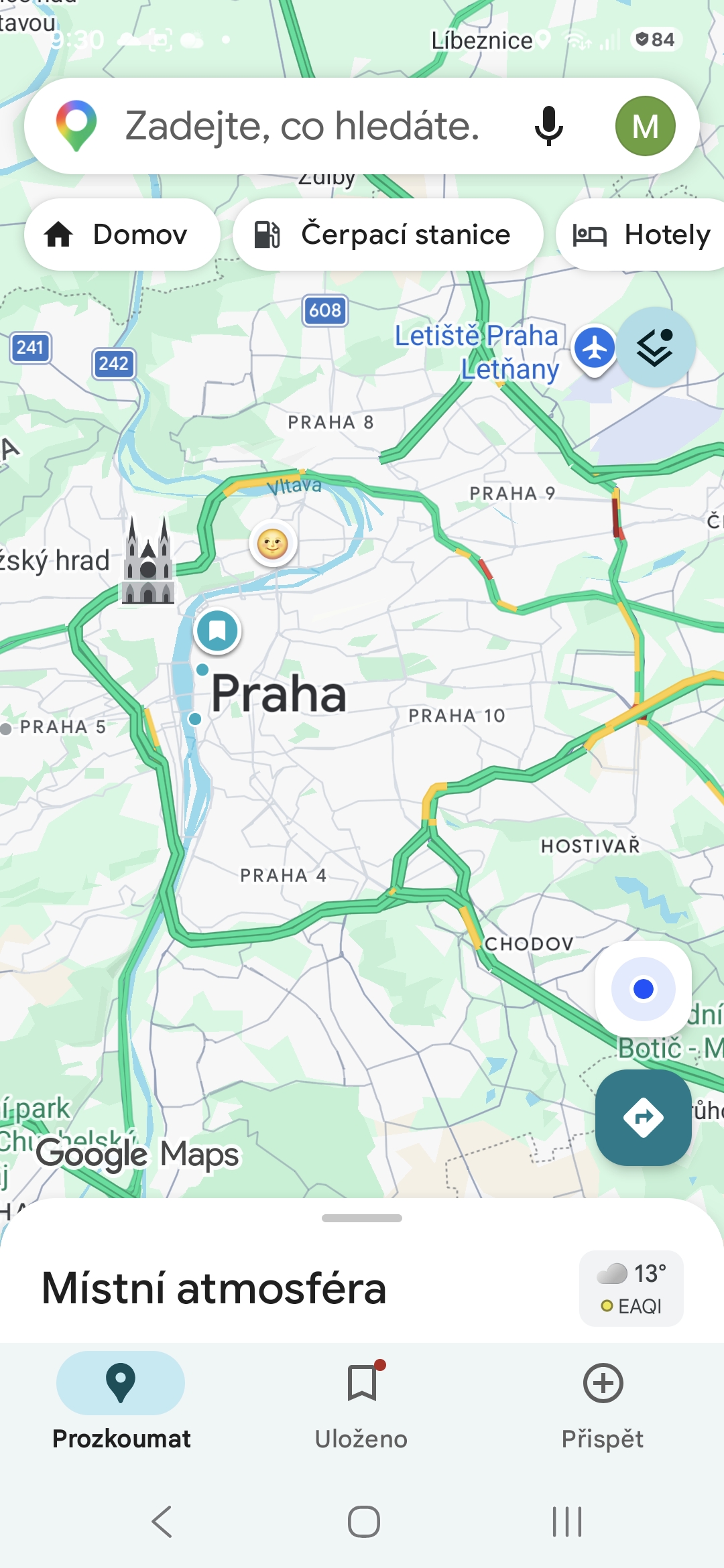
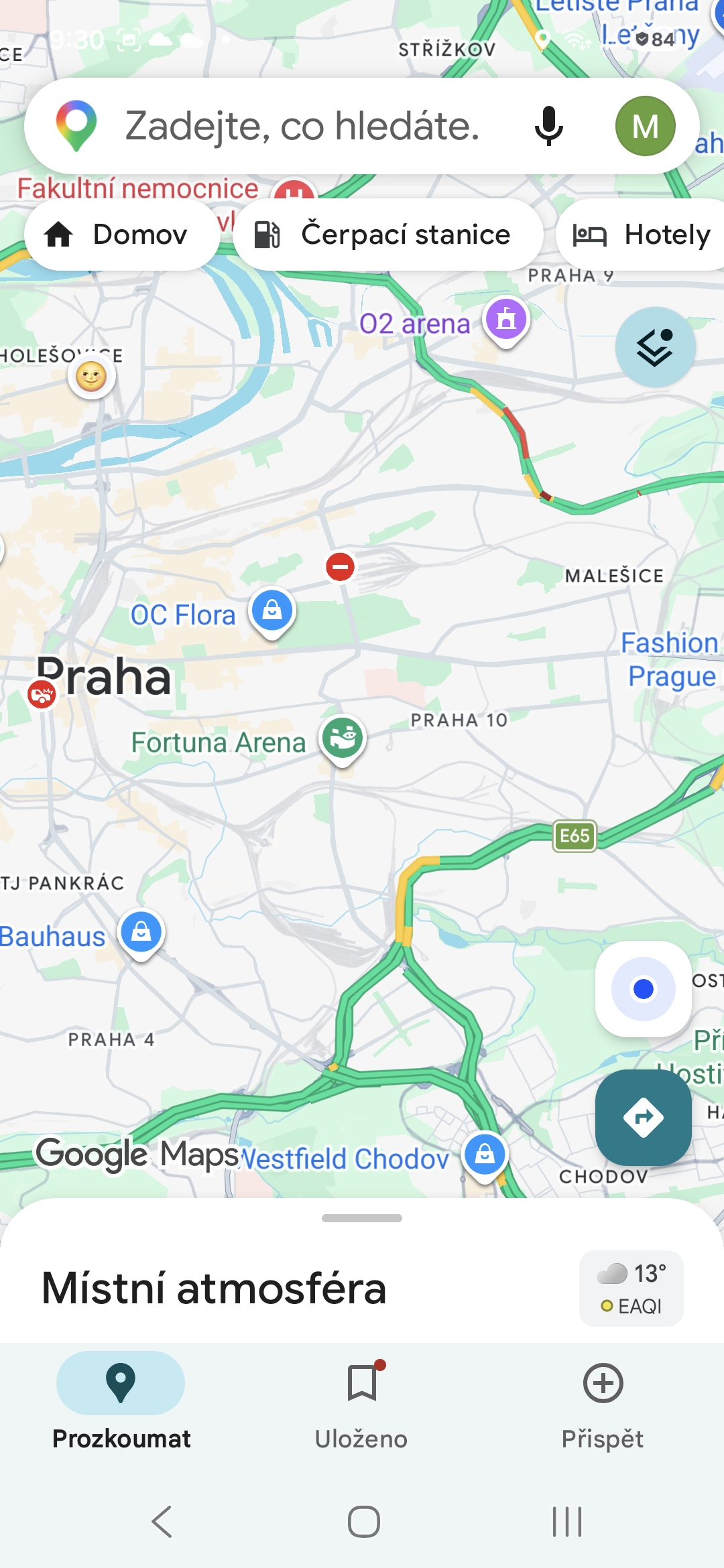
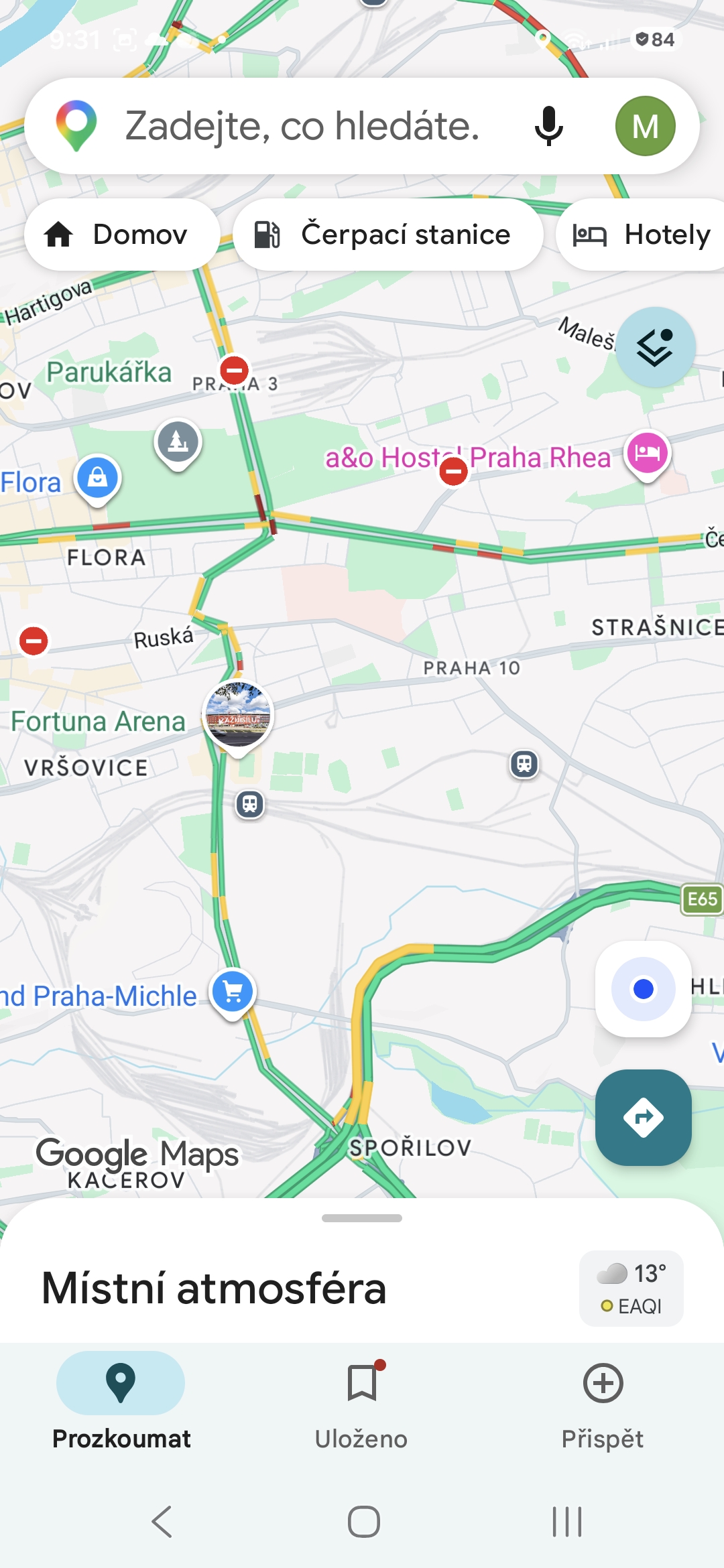
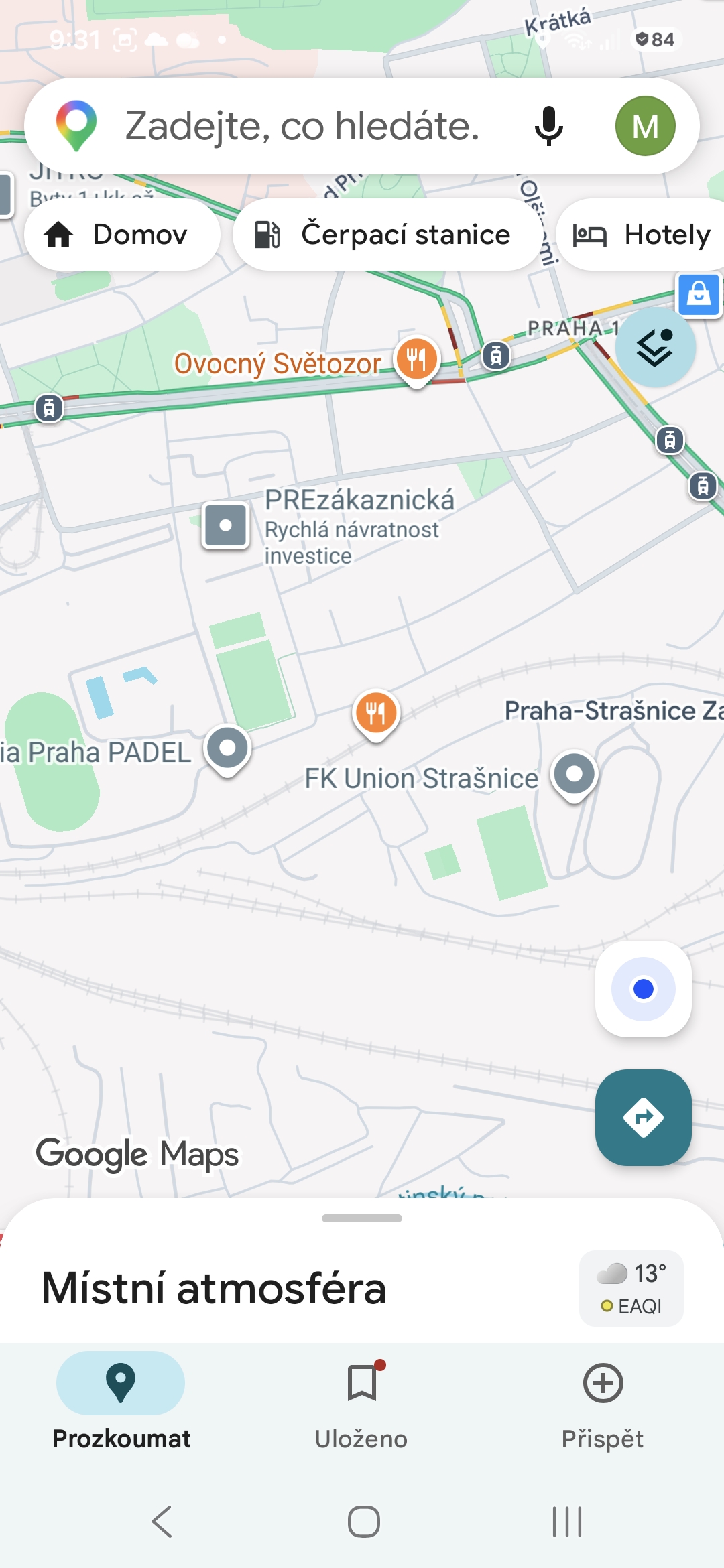
Even better is one-finger zoom. Double-tap the map, but don't lift your finger after the second tap—instead, hold it down on the screen and slide it up or down. Slide up to zoom out, slide down to zoom in. This gesture greatly improves the usability of the app when you're holding your phone in one hand, which is the situation we find ourselves in most often.
Incognito mode for one-time trips
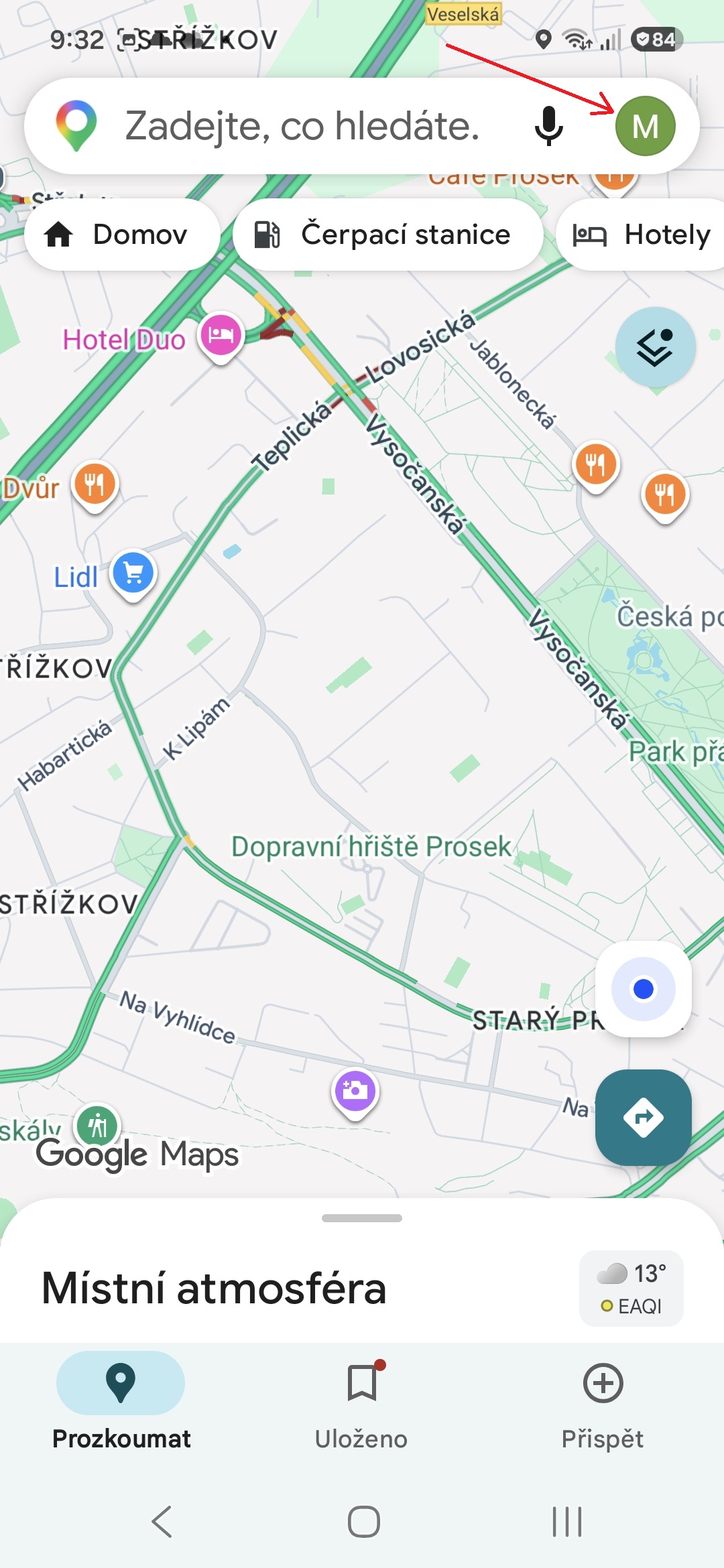
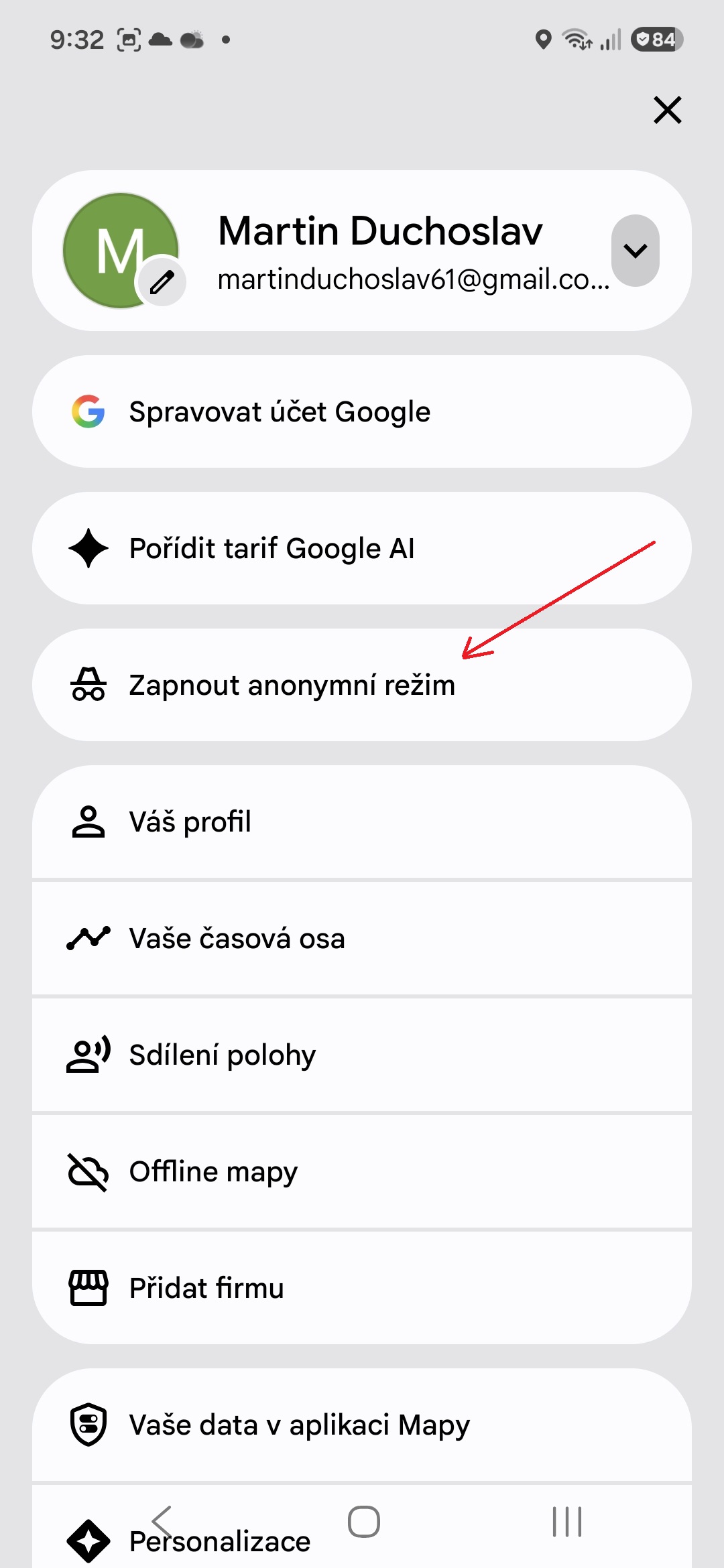
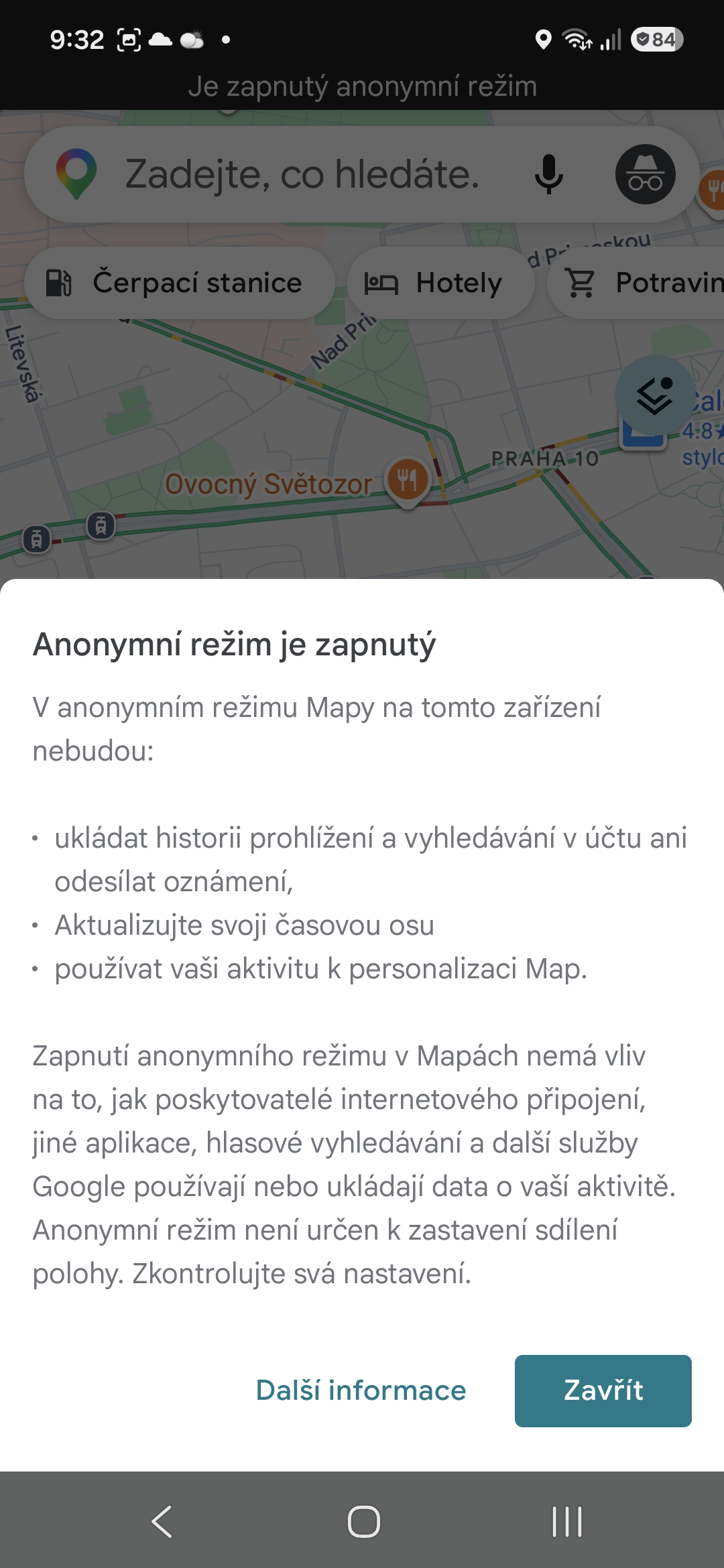
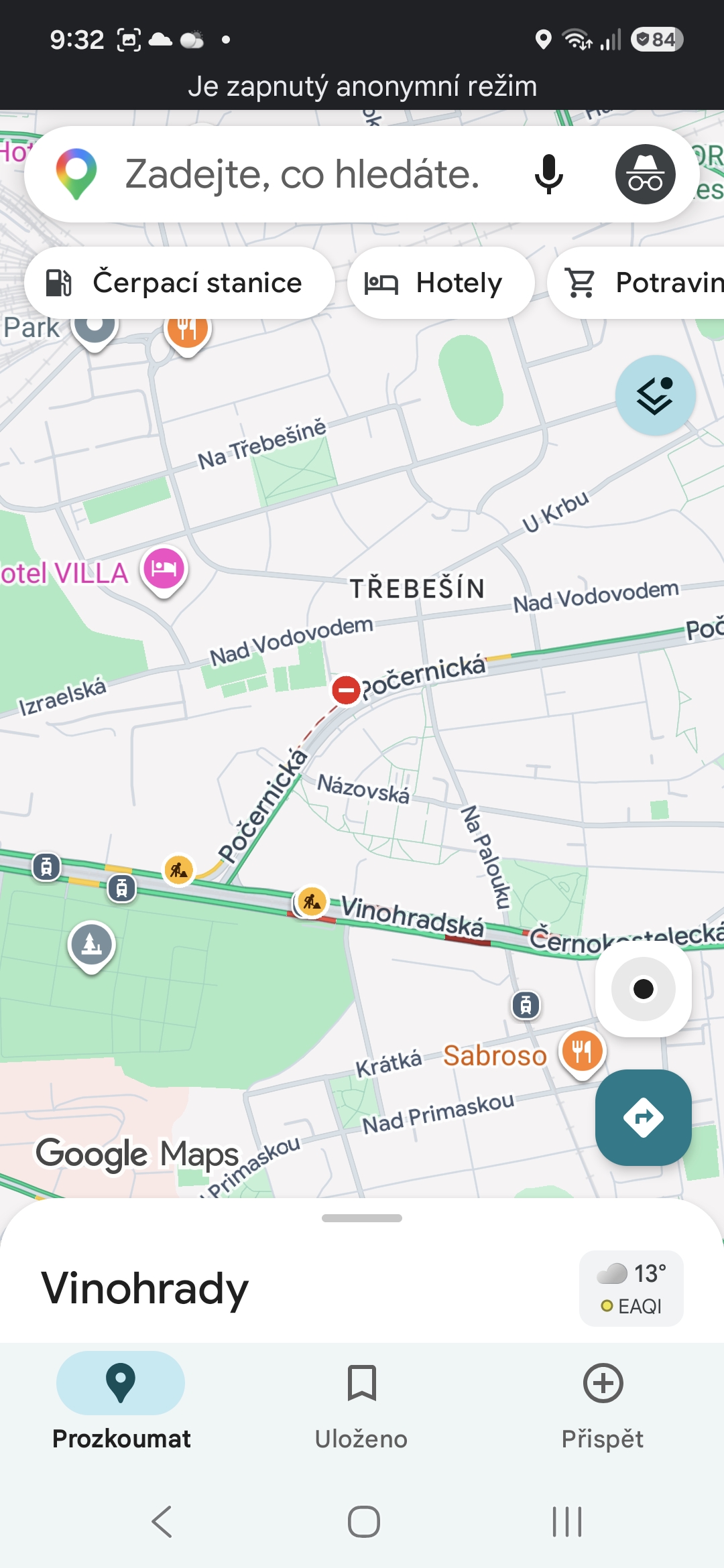
I initially ignored the Incognito Mode feature, thinking I had nothing to hide, but then I noticed how much a single search affects future recommendations in the app.
If I'm looking for a specific store, restaurant, or route I don't normally take today, I'll turn on incognito mode. The interface darkens slightly and a familiar icon appears at the top. The search isn't saved in my history, and the algorithm doesn't force unrelated places on my regular daily commute.
Gallery
Instantly pin a pin with a long press
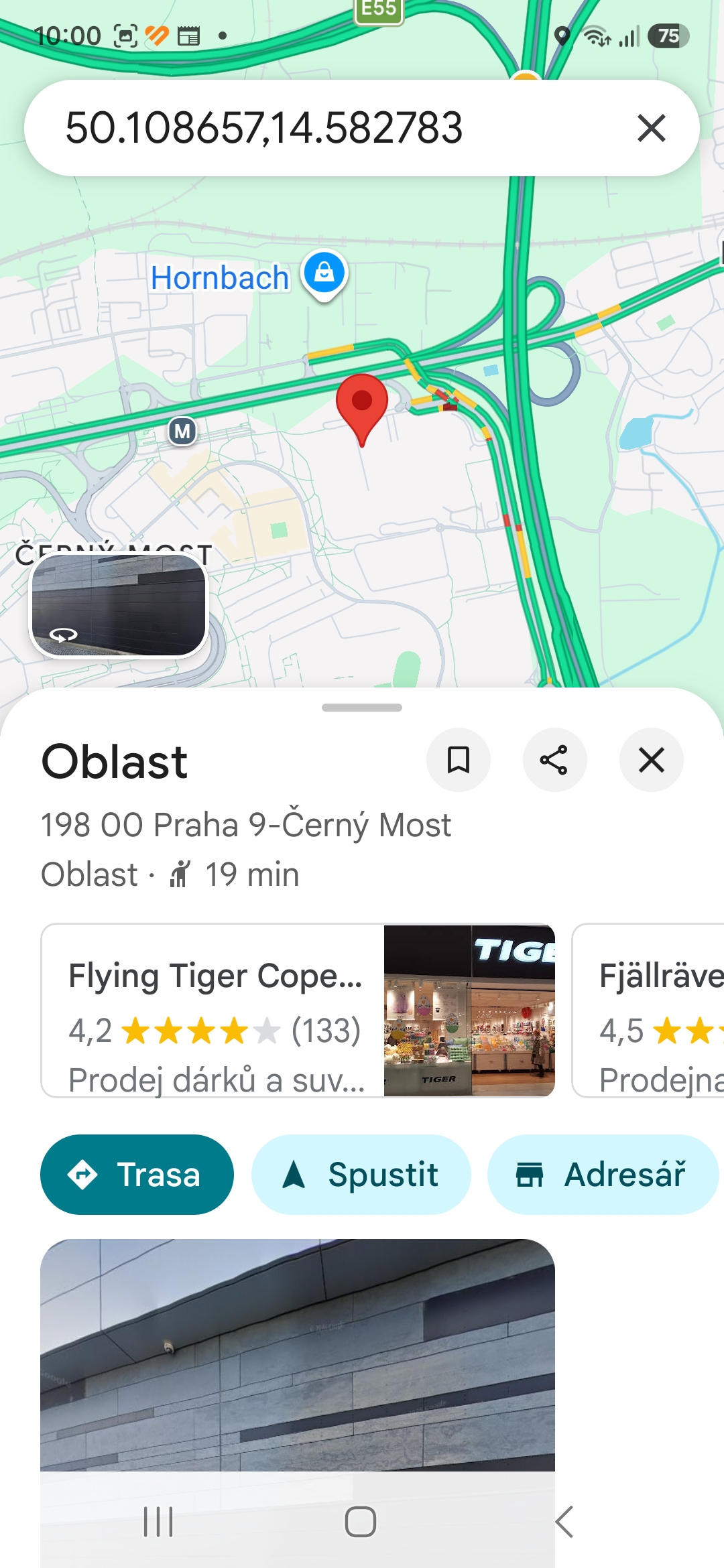
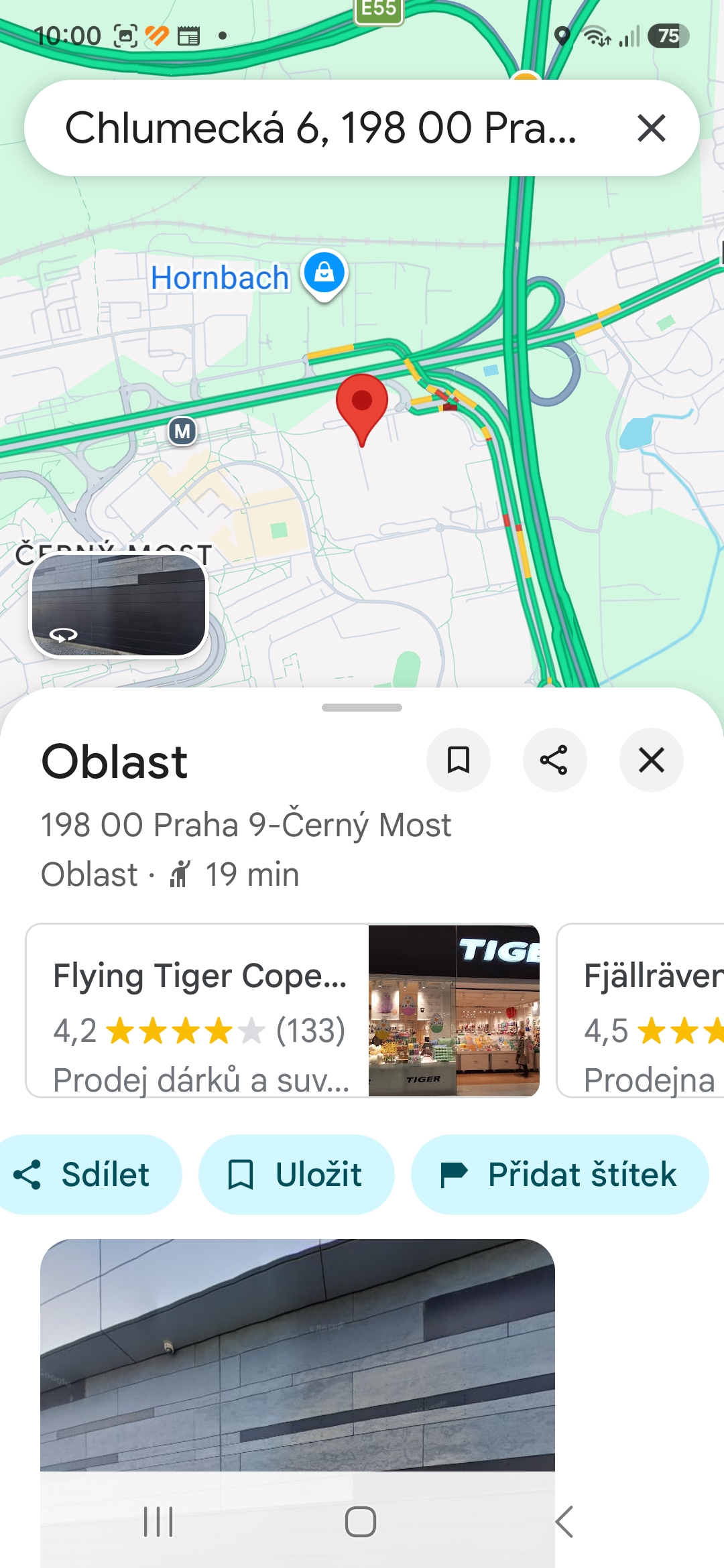
This is one of those gestures that's easy to forget. You can place a pin anywhere on the map by long-tapping on that location.
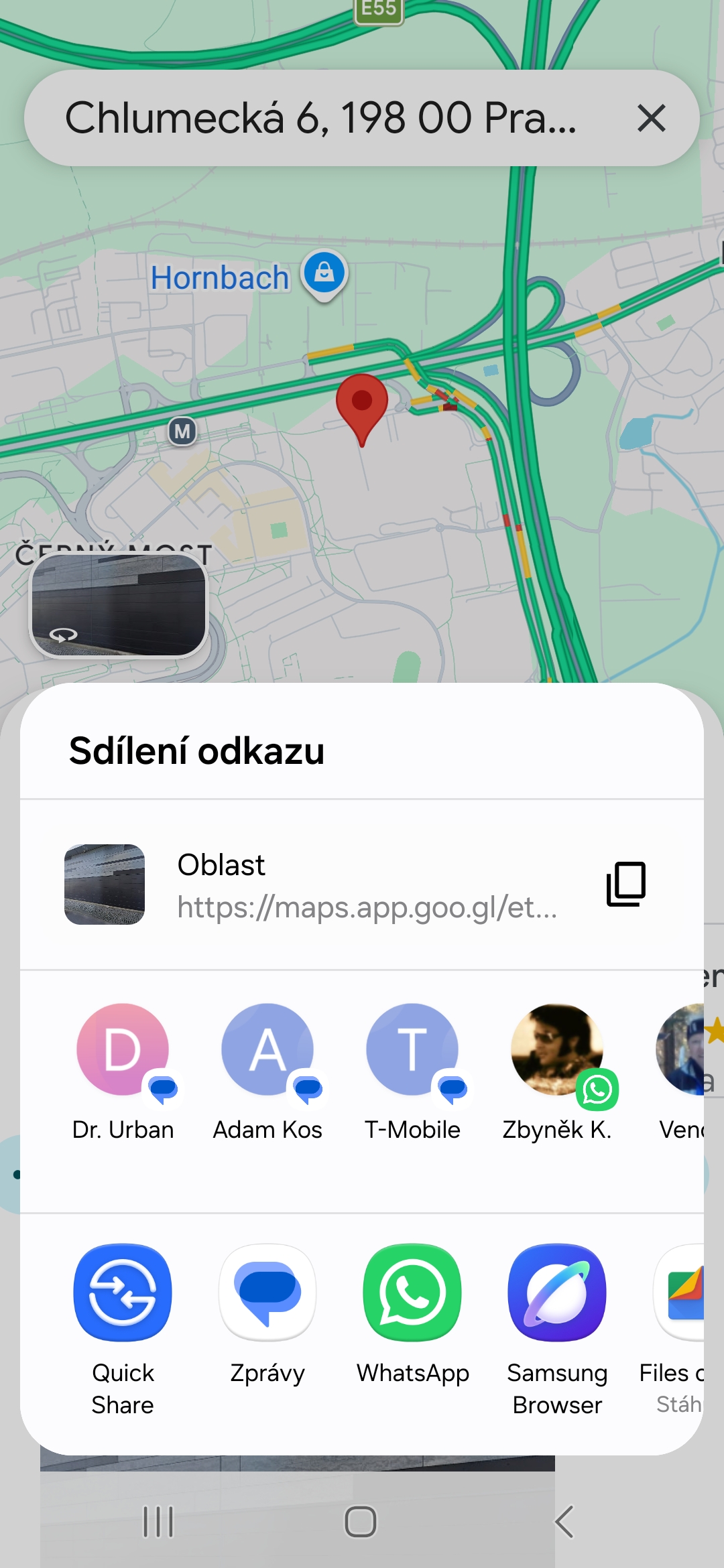
Just hold your finger on the screen and a red pin will appear. You can then save, share, or navigate to it. I used to waste time trying to guess an address or describe landmarks. Now I use this feature to share exact meeting points in large public spaces, to mark places that don't show up clearly in search, or to send my exact location in situations where it's difficult to describe directions.
Gallery
Offline maps as a safety measure in remote areas
Even on busy routes, you sometimes come across places with poor signal. It's annoying when the app gets stuck in the middle of an unfamiliar intersection just because your mobile connection has dropped.
If I know I'm going to be traveling to an area with uncertain coverage, I download that portion of the map to my phone in advance. I do this by tapping my profile picture, selecting Offline Maps, tapping the Choose Map to Download button, and adjusting the highlighted area to cover the region I want.
Gallery
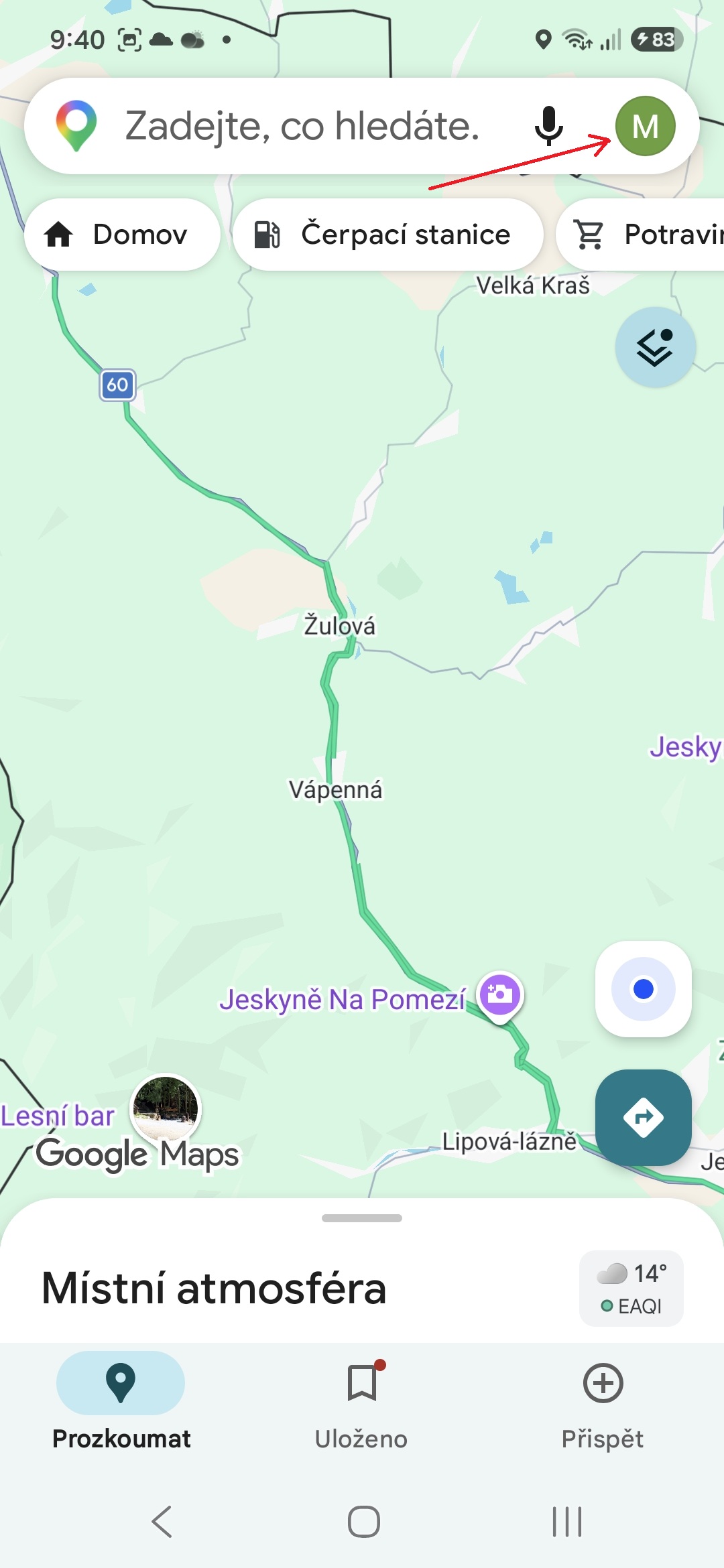
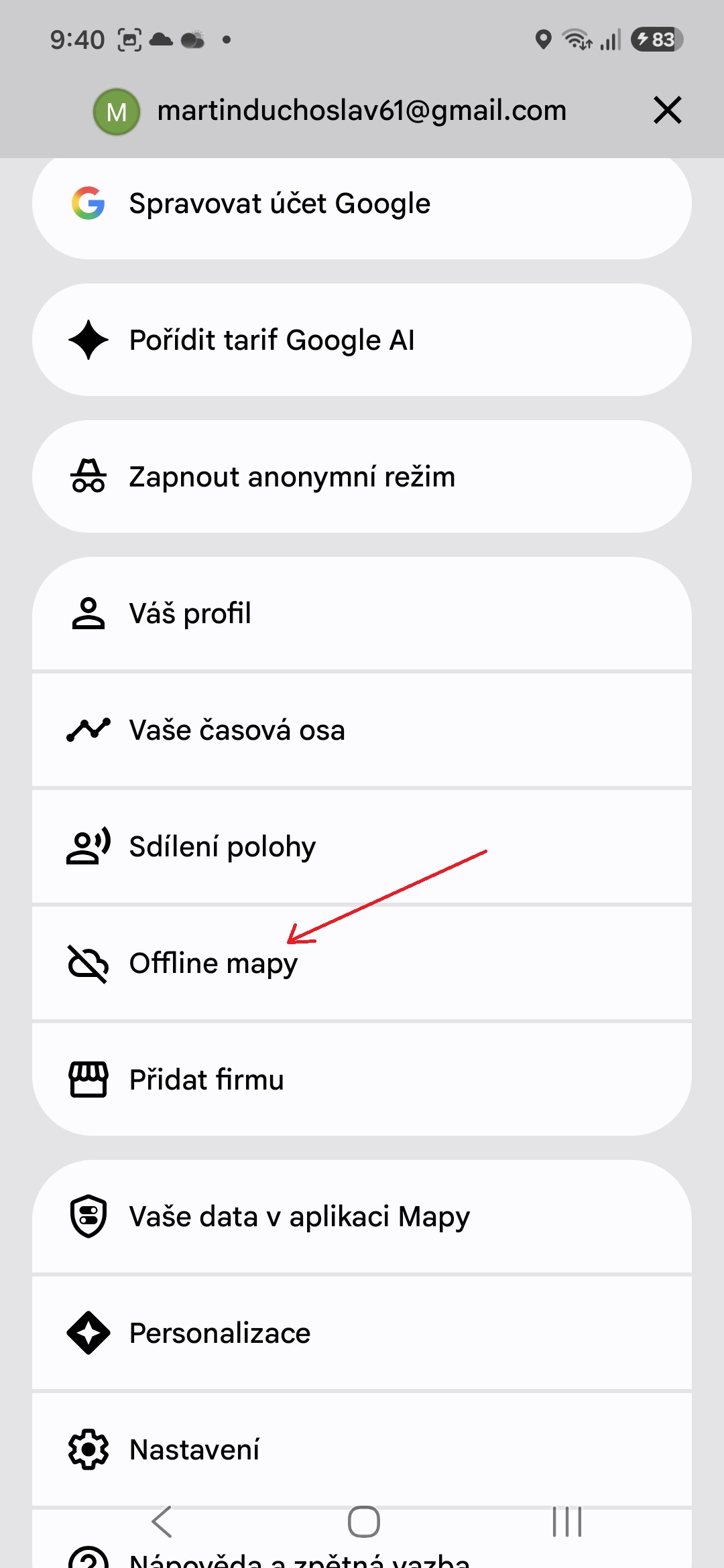
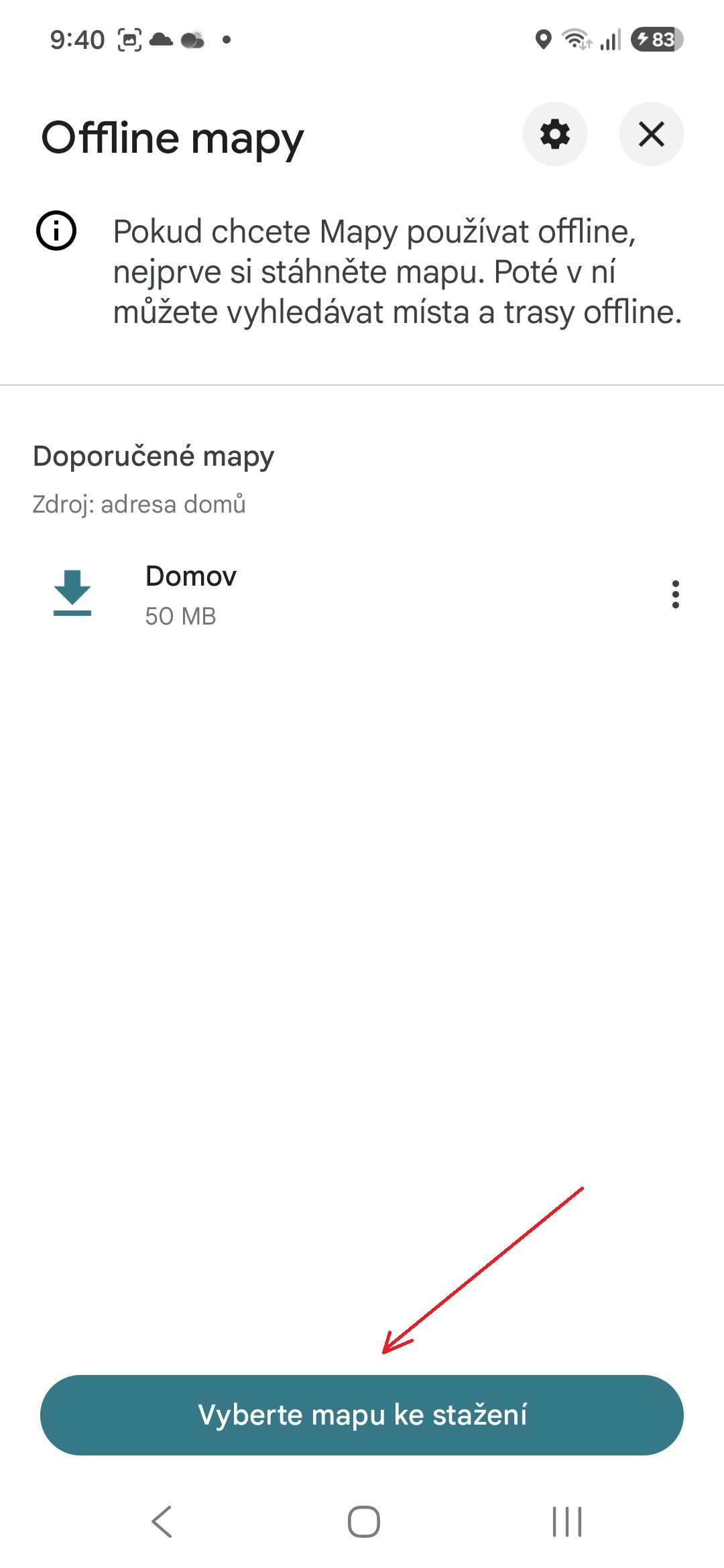
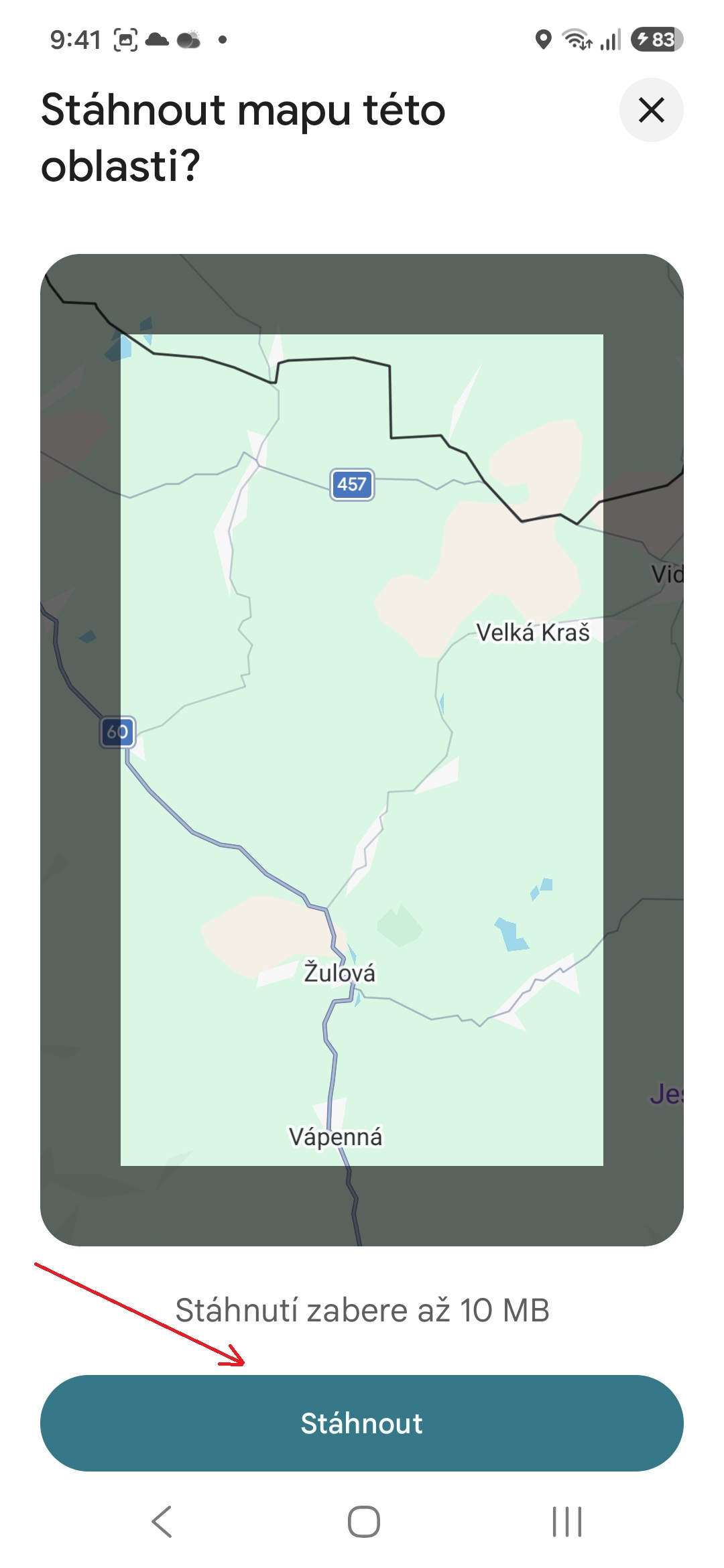
A few minor adjustments are all it takes to make the experience better
For a long time, I used Google Maps only as a way to get from point A to point B. But once I mastered the basic gestures, started planning trips with a traffic layer and offline maps, my experience with the app improved dramatically. Traveling by car is now much smoother and less stressful for me.


You forgot the most important thing, if you already have navigation running, if you have everything set up properly, you can now talk in Czech with maps, ask how much gas costs on the route, what the weather will be like, save me a note, call the contact's name, and that without holding hands, you just need to have everything set up and when you see it in the maps Gemini So normally just say "ok google" to her and she will hear you.
I'm not the only one who doesn't use Waze at all.
Great idea, bag in one hand, mobile phone in the other and what are they driving with? Well, I know it's on the way to the car, but still. Today, voice navigation is available and I'm a pensioner, even if I don't use it, I know it. The main thing is to know where to go. Because in 5 minutes it's completely different.
A person who took years to go through the application's options and set it up to their satisfaction and preferences is the last person who should be giving advice to others.