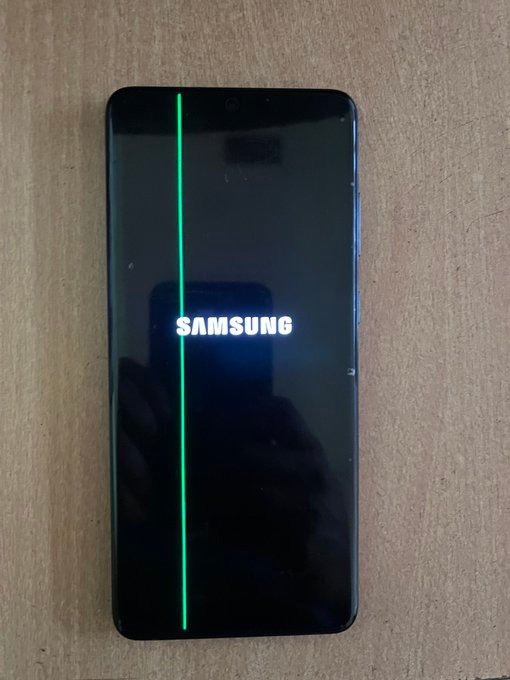
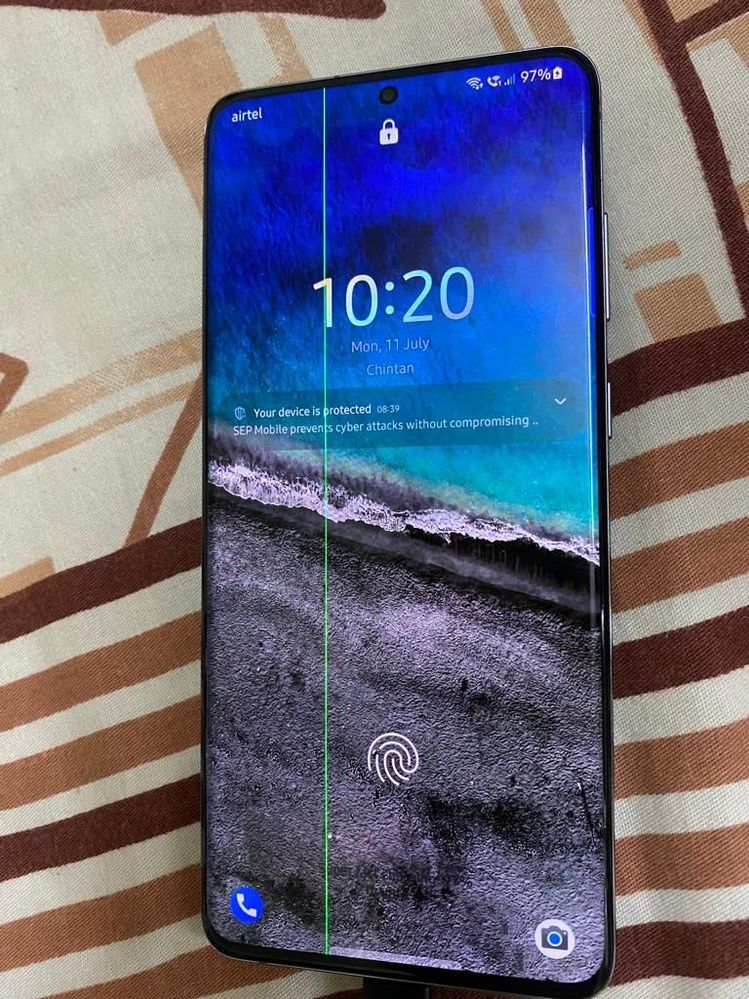
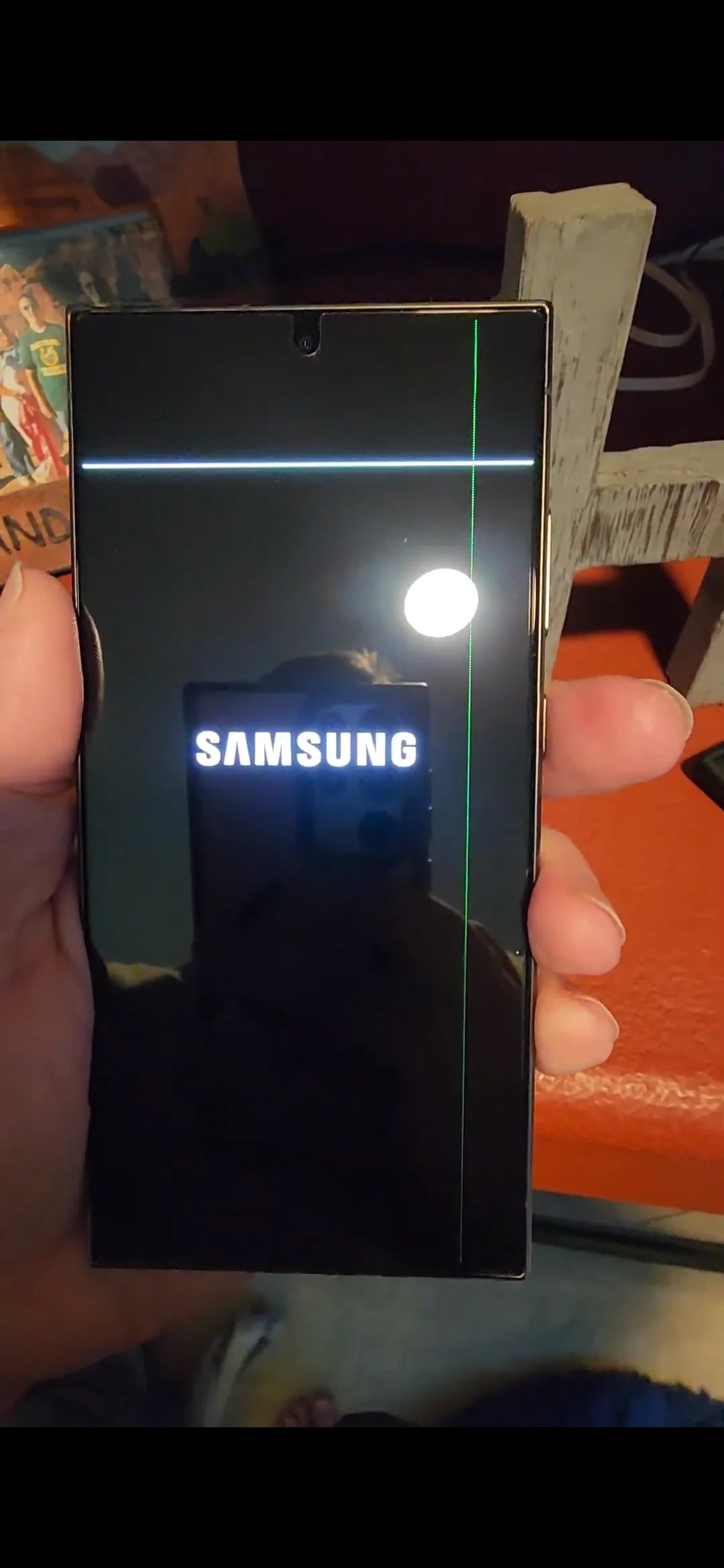
Samsung smartphone users are once again facing the nightmare of vertical stripes on their screens. While this problem used to affect older generations, the current generation of smartphones is also experiencing it. contribution from the social network X shows that it does not shy away from flagships for the year 2026.
At the model Galaxy S26 Ultra This is quite disturbing news. The device is only a month old and already has a thick green stripe across the entire screen. For a $1,300 device that promises to be the best on the market, this kind of glitch is a real bummer for customers.
Older models and the impact of updates
In addition to the latest flagship, complaints are currently piling up among users of the series Galaxy S23. They often report green or pink lines appearing immediately after installing recent software updates. Although the phones show no signs of mechanical damage or contact with water, the displays suddenly show a defect.
Green Line issue now hits Galaxy S26 Ultrapic.twitter.com/b3Glv90GUR
View post on X
Historically, models such as Galaxy Z Fold4, Note 20 Ultra or series Galaxy S22. For some older models (e.g. S21 FE or S22 Ultra) Samsung has offered free replacements in the past, but the situation for newer models remains unclear.
How to proceed with a complaint?
If a green line appears on your Samsung device, the following procedure is recommended:
- Visiting an authorized service center: Get an estimate for the repair cost.
- Request for free replacement: Please refer to Samsung's official policy regarding display defects (so-called green line policy).
- Escalation to support: If the service refuses a free repair, request a complaint report and contact official Samsung support directly with a product quality complaint.
The question remains when Samsung will be able to finally solve this long-standing panel quality issue so that users don't have to worry about their expensive devices after every system update. The sad thing is that the green (or sometimes pink) line on OLED displays is a purely hardware issue, although users often notice it only after installing a software update. Essentially, it's a connection failure between the motherboard and the display.
Problems of previous models




Why does the problem arise?
So it's not a software bug, but the update is a power-intensive process that causes the phone to heat up significantly, and high temperatures can cause materials to expand. This heat can weaken the adhesive or solder joints on the flex cable that connects the screen to the motherboard. If the connection becomes loose, broken, or corroded at some point, it will short out or cause the entire column to lose signal. pixelat.
In short: It's like a bad contact in a socket. Electricity is flowing there, but because of the loose wire (flex cable), the signal doesn't get to where it's supposed to, and the whole column pixelIt simply gets "stuck" at full brightness of one color.