Gallery app on phones Galaxy offers a really wide range of options for editing your photos that you might not even know were there. One of them may be the ability to create a collage from your photos. If you want to know how to do that, read on.
How to create a collage on a Samsung phone
Create on your phone Galaxy Creating a collage that you can share with your friends or loved ones is not difficult. Just follow these steps:
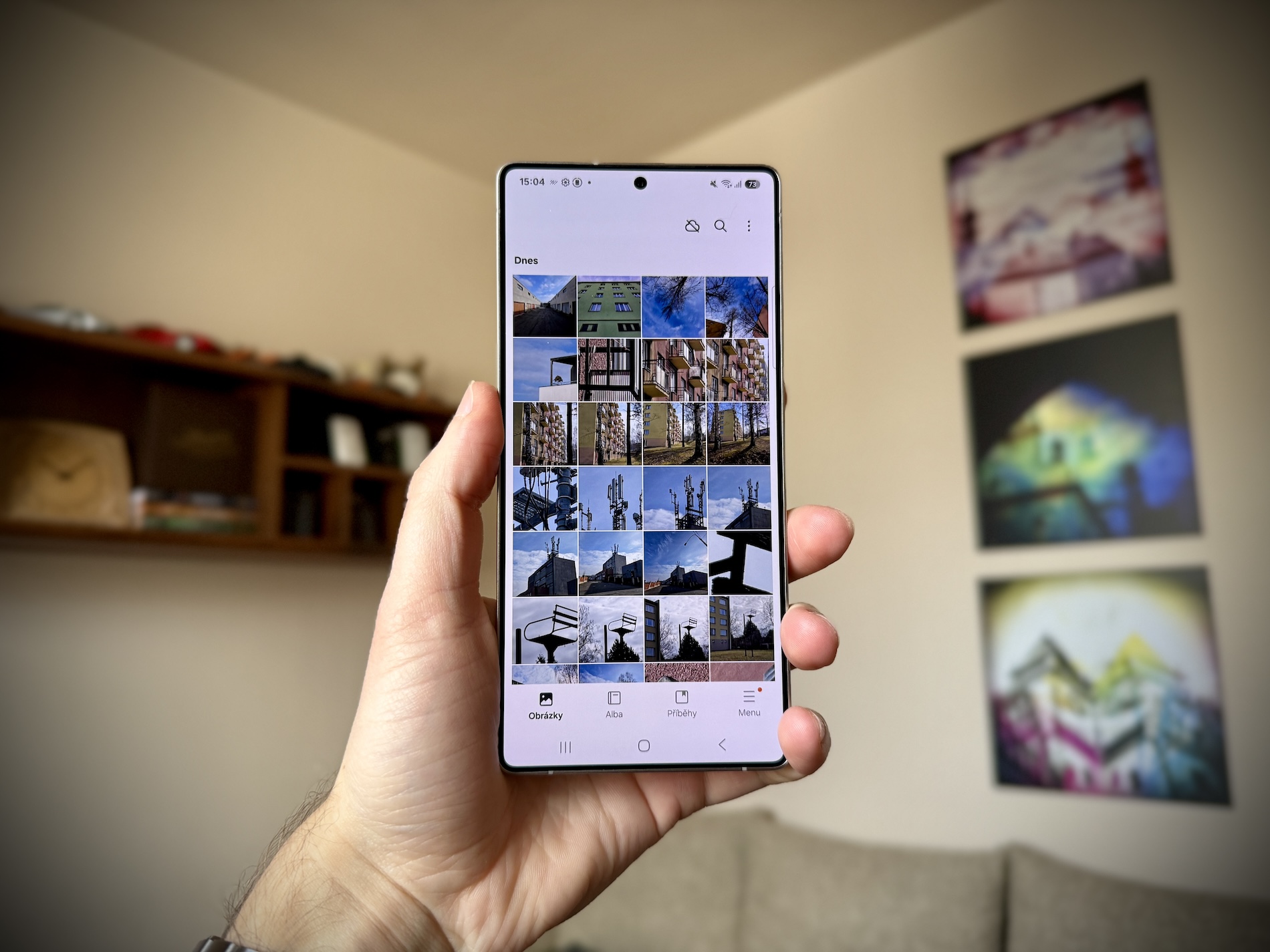
- Open the Gallery.
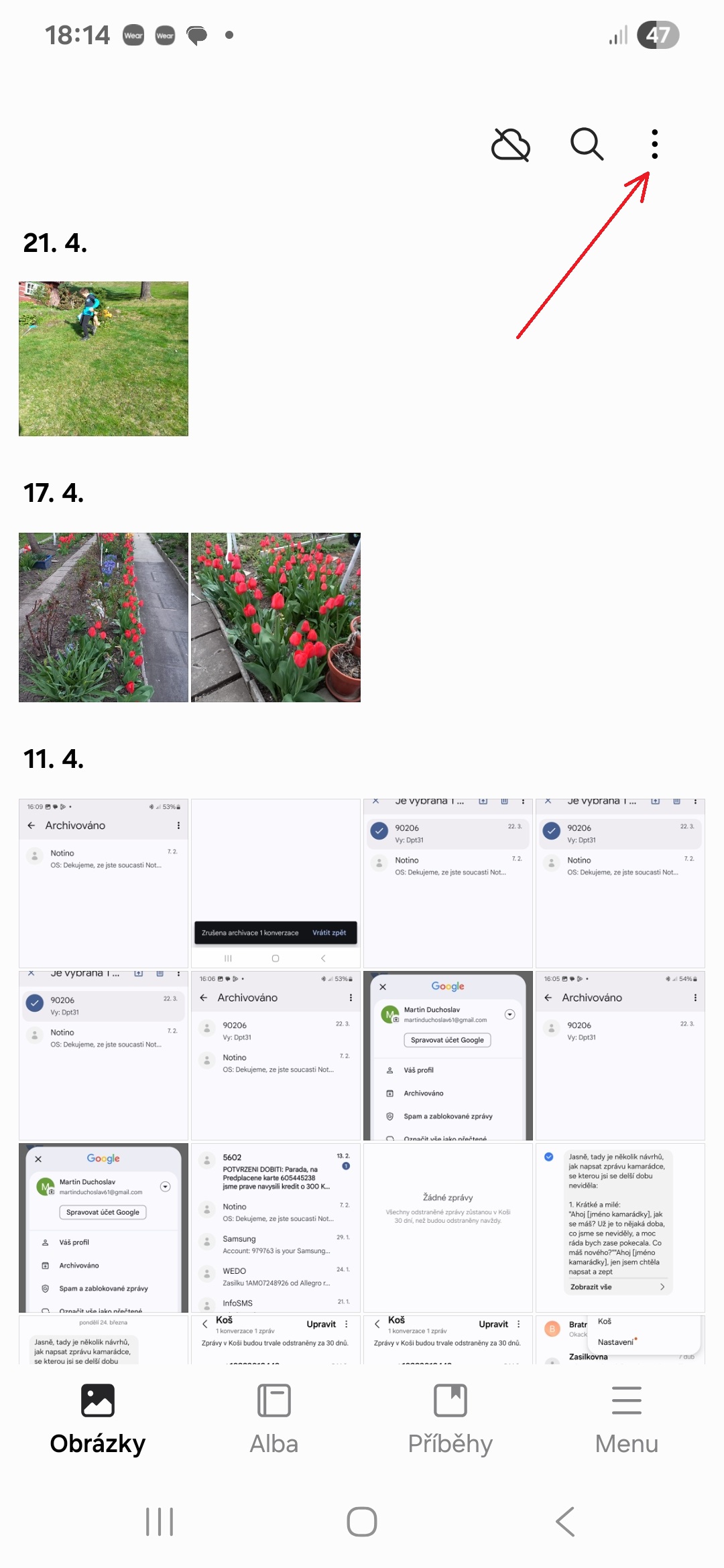
- At the top right, tap three-dot menu.
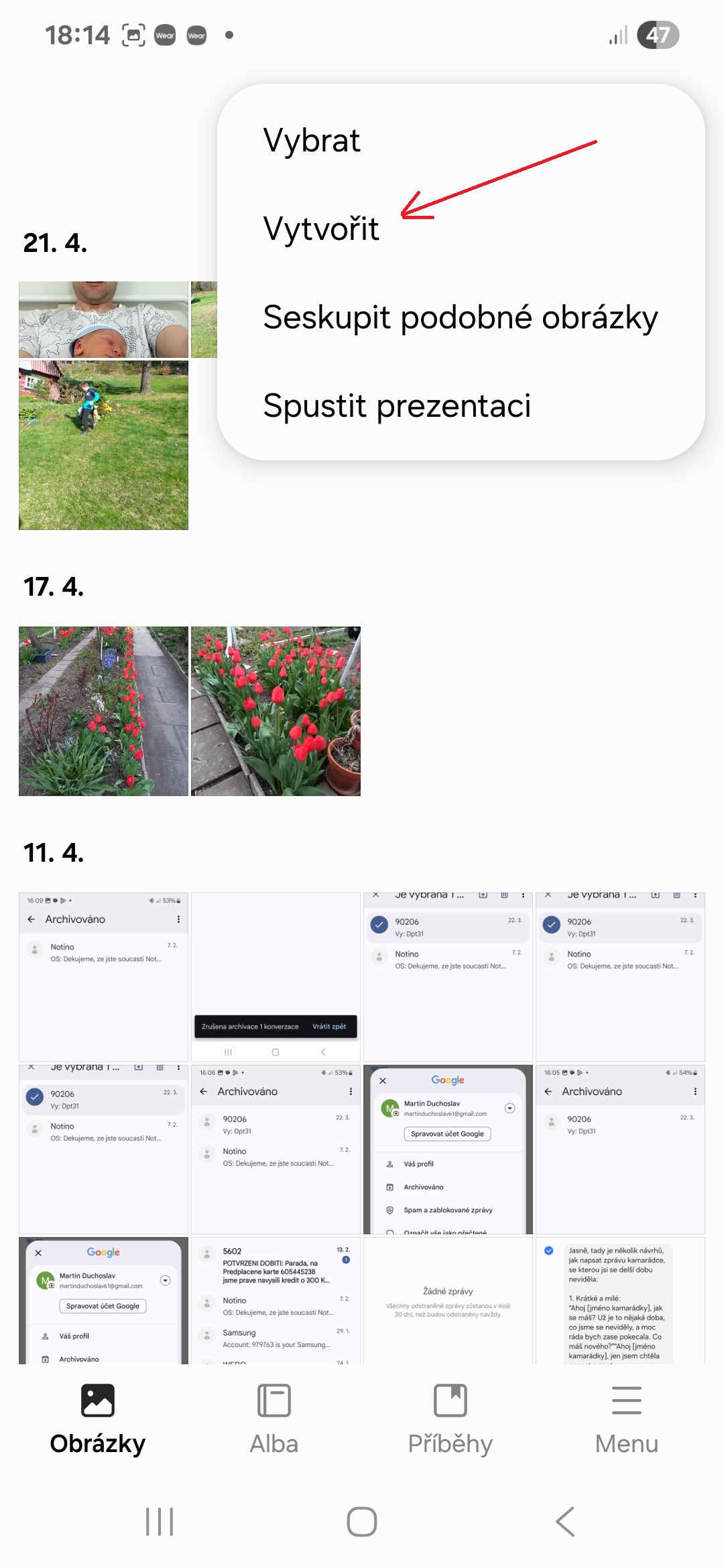
- Select an option Create.
- Click on the option Collage.
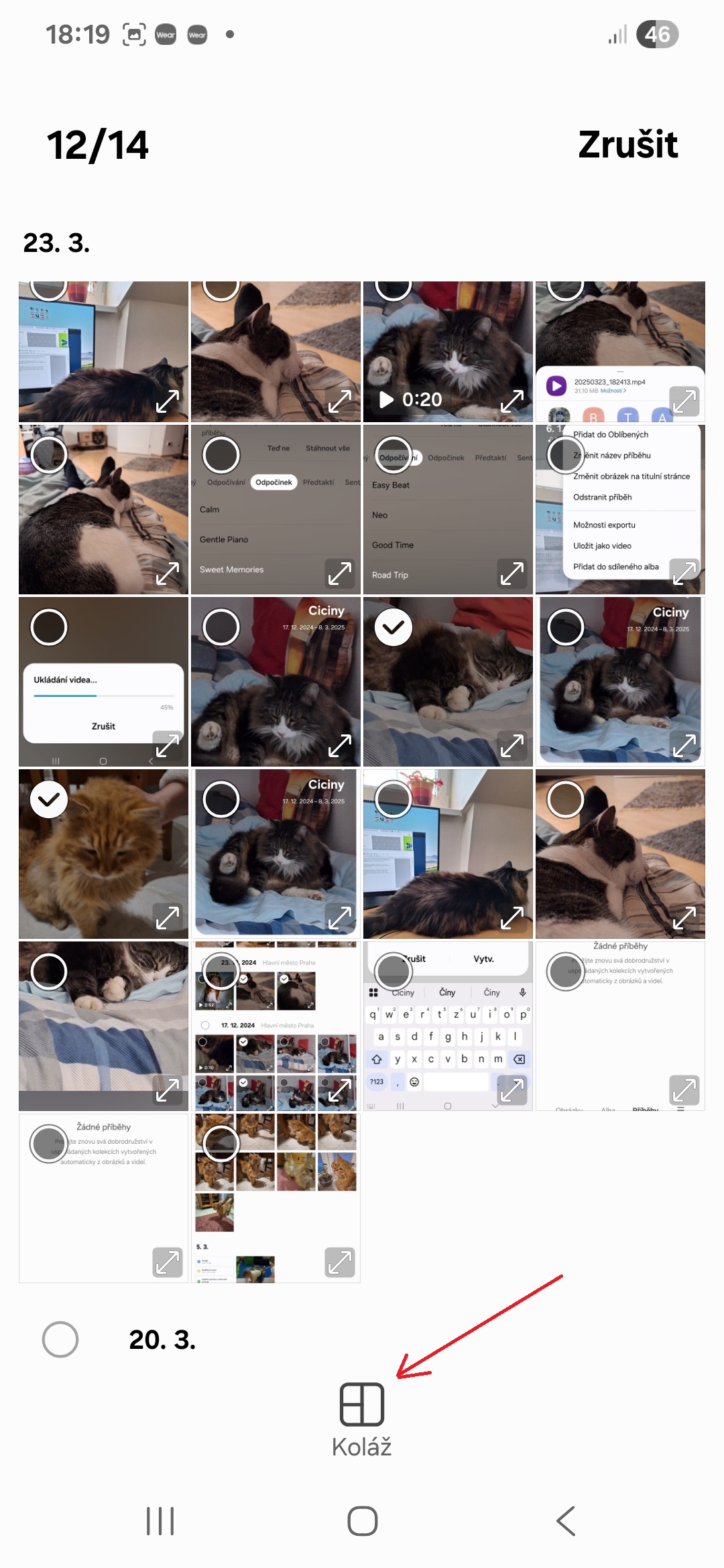
- Select the images you want to include in the collage (myou can select up to 14).
- ClickClick the Collage button at the bottom.
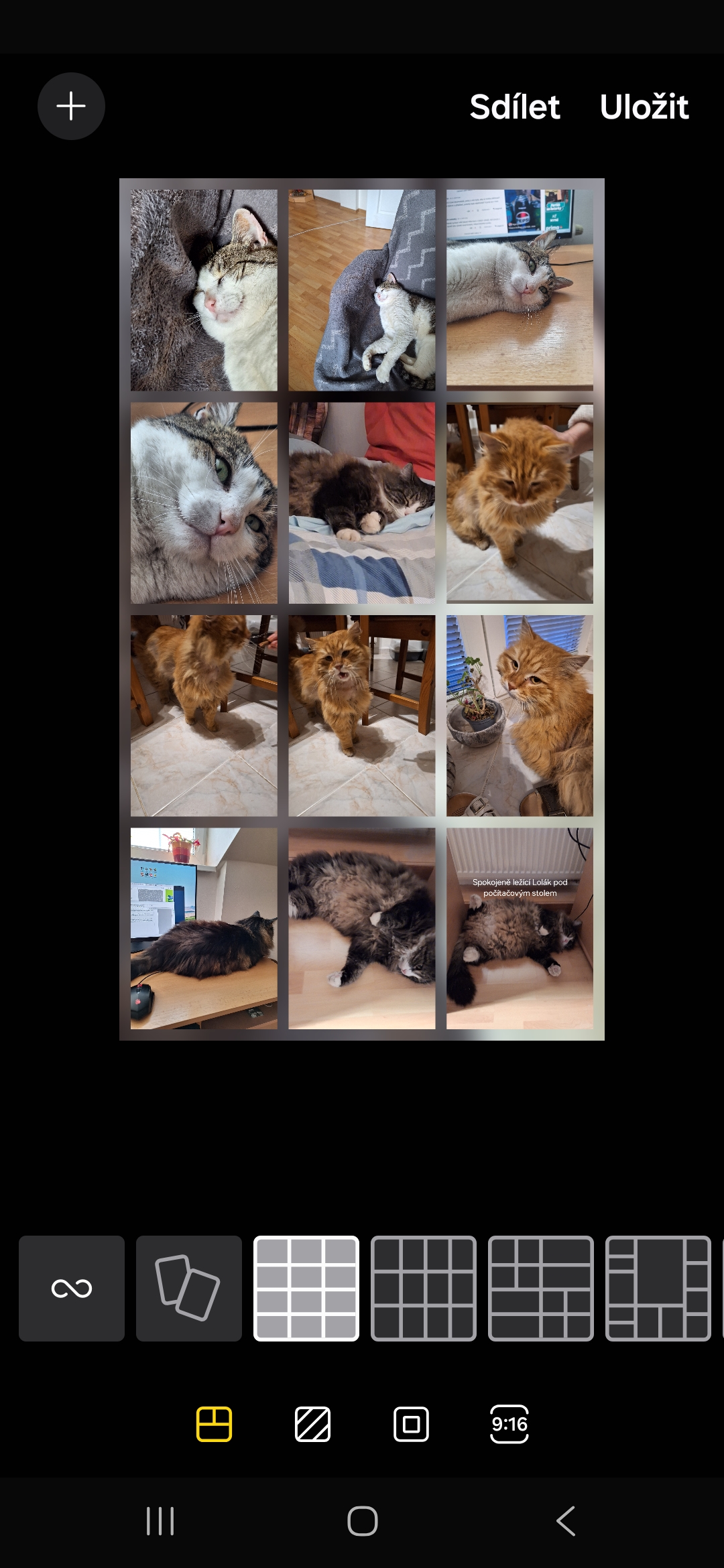
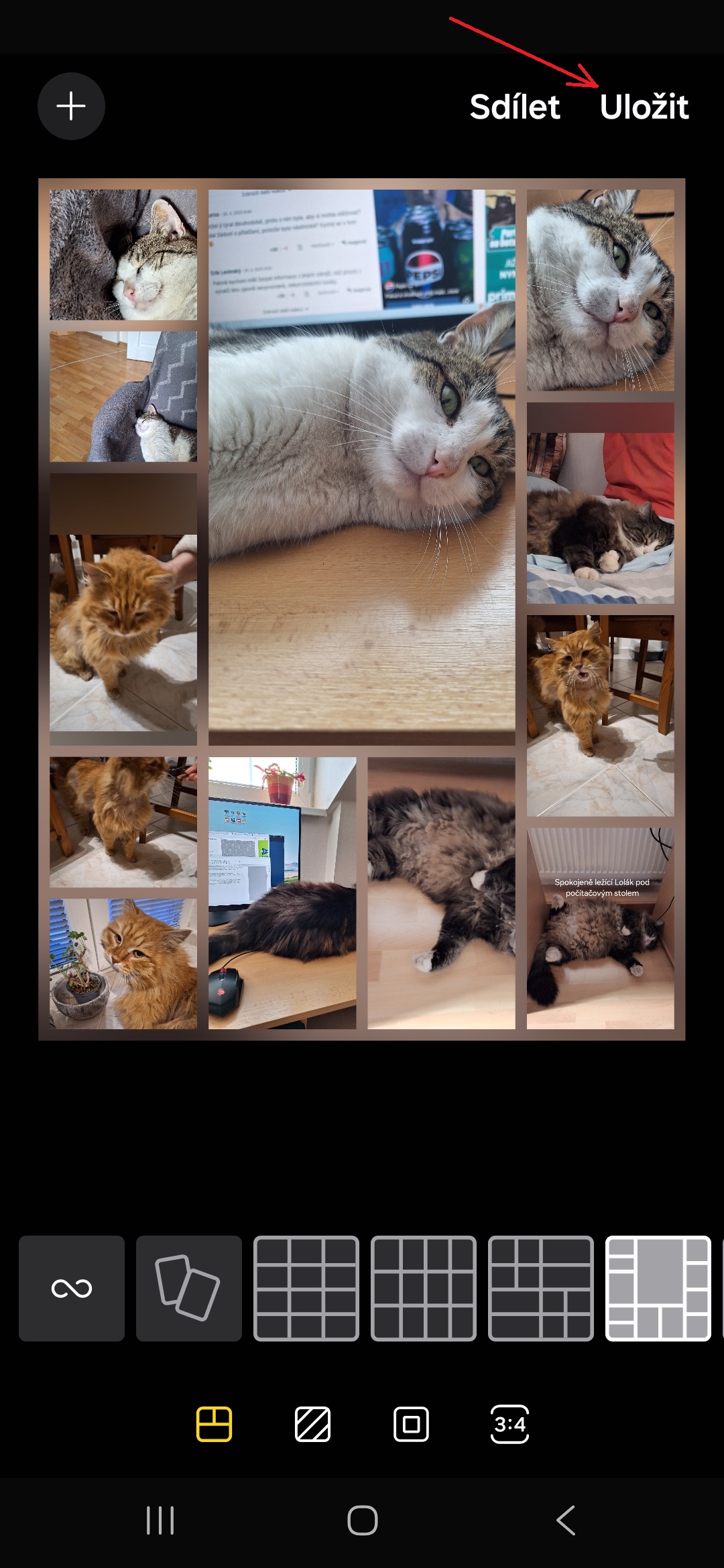
- Adjust the layout, size, background, color, or aspect ratio of your collage.
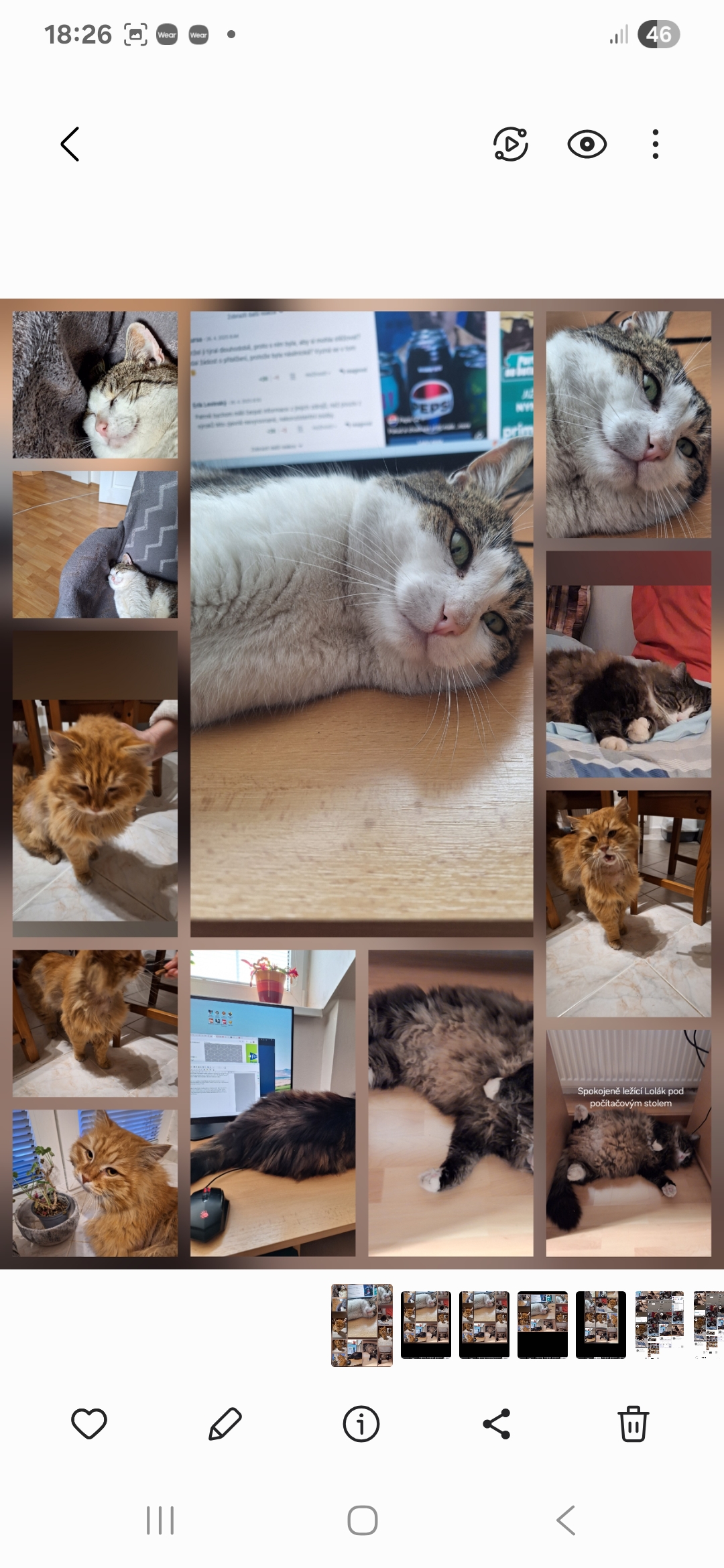
- Click the button at the top right. Save. If you want to share the collage, tap the button Share.
Gallery