Komerční sdělení: B2B sales has always run on text. Emails, decks, one-pagers, and long proposals fill the buyer’s inbox. Video was the exception, because it was slow and costly to produce.
That is changing. AI video tools now turn a prompt or an image into a short clip in minutes. Sales and marketing teams are starting to use them in everyday work.
This article looks at what AI video changes for B2B companies. It covers outreach, demos, enablement, and the risks teams should plan for.
Why video was rare in B2B sales
Most B2B teams know video works. Buyers respond to faces, motion, and clear visuals. The problem was always effort.
A single polished clip meant scripting, filming, editing, and approvals. Reps could not record a custom video for every prospect. Marketing could not refresh product visuals after every release.
So video stayed reserved for big moments. Launch films, customer stories, and event recaps got the budget. Everything else defaulted to a PDF.
AI video shifts that balance. When a short clip takes minutes instead of days, it becomes a practical tool for routine work. The question moves from „can we afford video?“ to „where does video help most?“
What changes on the sales floor
Outreach gets more visual
Cold email is crowded, and plain text blends in. A short visual clip can make a message easier to notice. It can show a product idea faster than a paragraph can explain it.
Reps can pair a short clip with a tailored note. The clip might show a workflow, a dashboard concept, or an industry scene. Used sparingly, it adds context without adding length.
Product explainers get faster
Complex products are hard to describe. Buyers often need to see how a feature fits into their day. Short animated explainers help bridge that gap.
Teams can now draft these explainers in-house. A marketer writes the scene, generates a few clips, and edits them together. Subject experts review the result before it goes out.
Sales enablement gets lighter
Enablement teams train reps on new products, pricing, and messaging. Much of that content is slides and long documents. Short video snippets can make the material easier to absorb.
Quick clips also keep training current. When a feature changes, the team can regenerate a scene instead of reshooting. That keeps materials closer to what the product actually does.
Localization gets easier to test
B2B companies often sell across regions. Visuals that suit one market may feel off in another. AI video lets teams test regional variations of a scene quickly.
This does not replace local review. Native speakers and regional teams still need to check tone, symbols, and claims. The tool speeds up drafting, not judgment.
Where Magic Hour AI fits
Tools differ in what they do well, so it helps to match them to the task. Magic Hour AI is one option that covers a few common B2B needs. Two of its tools are most relevant here.
The image to video tool animates a still image. A team can upload a product render, a branded illustration, or a campaign visual. It adds motion based on an optional prompt, and the user downloads a short MP4.
That suits B2B teams with existing design assets. The look stays consistent with the brand, because the source image comes from the team. Motion is added on top, such as a slow camera push or drifting light.
The AI video generator handles a wider range. It accepts text prompts, images, and existing video. It also offers several third-party models, including Kling, Veo, Seedance, and MiniMax.
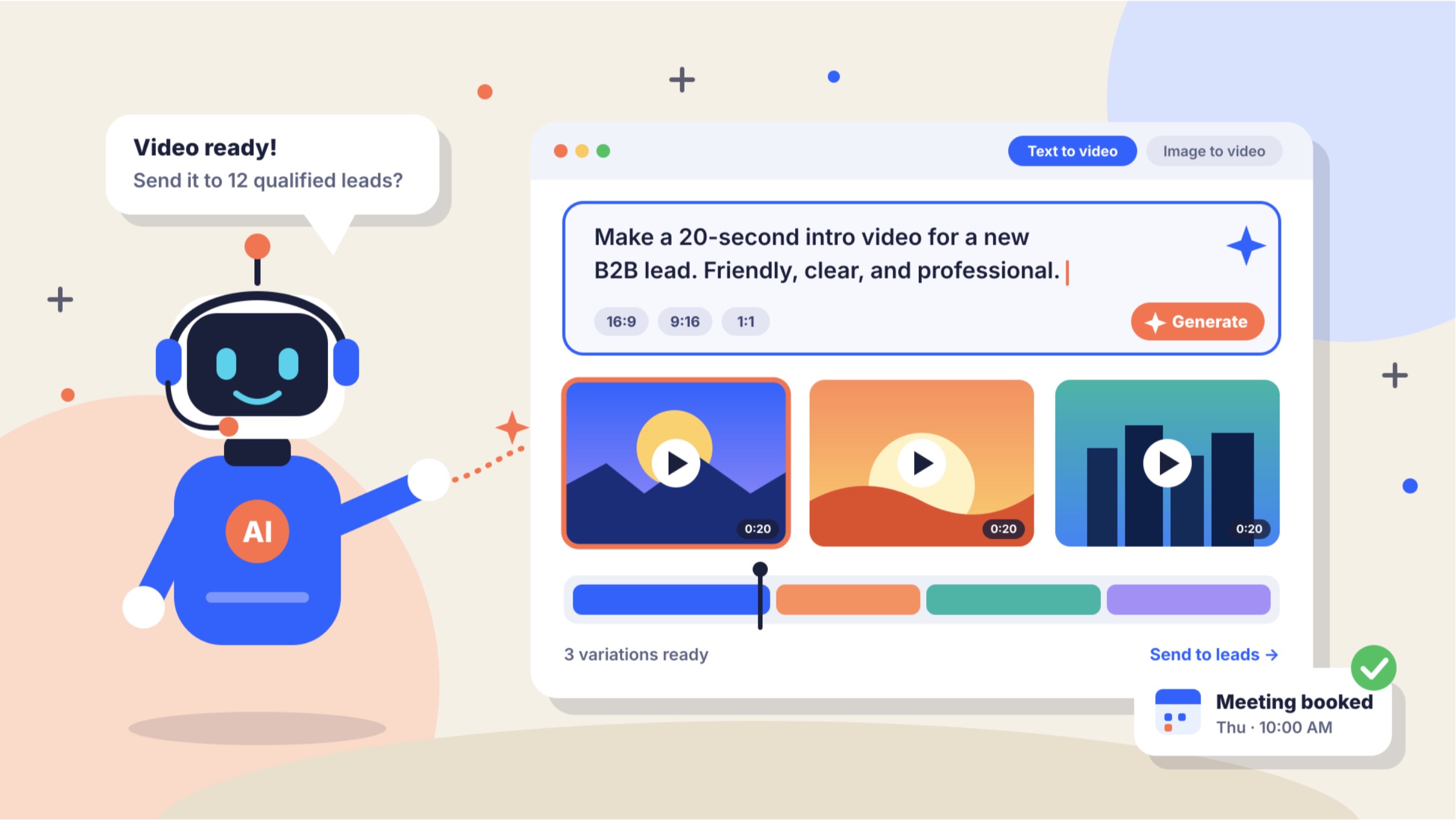
Output is available in 16:9, 9:16, and 1:1 formats. That covers a landing page, a LinkedIn post, and a vertical story from one workflow. Teams can also generate several variations in parallel and pick the strongest.
Practical use cases worth testing
Not every sales task needs video. These are the areas where short AI clips tend to add value.
- Landing page headers: looping visuals that set the mood for a product page.
- Social posts: short clips that explain one idea or one feature.
- Email visuals: animated scenes that illustrate a pain point or outcome.
- Event promotion: teasers for webinars, demos, and conferences.
- Internal training: quick scenes that reinforce messaging for new reps.
- Concept mockups: early visuals to align stakeholders before a bigger shoot.
Start with one or two of these. Measure whether the clips change engagement, replies, or time saved. Expand only after the results justify it.
The limits teams should expect
AI video is useful, but it has limits. Clips are short, so longer stories need several generations edited together. Free Magic Hour clips, for example, run three seconds.
Consistency is another issue. Characters, logos, and fine text can change between clips. Product screens may look close to the real thing but not match it.
That last point matters for B2B. A generated scene is an illustration, not a demo. Real product footage should still be used wherever accuracy counts.
Text inside video is also a weak spot. Small labels, numbers, and interface details often come out distorted. Teams usually add real text and logos in an editor afterward.
Trust, disclosure, and compliance
B2B buyers make high-stakes decisions. They expect accuracy, and they remember when a vendor oversells. AI video should never blur the line between concept and fact.
Teams can protect trust with a few simple rules:
- Label AI-generated visuals when they could be mistaken for real footage.
- Never fabricate customer testimonials, logos, or results.
- Do not show product features that do not exist.
- Route claims through legal or compliance review.
- Keep source assets and prompts on file for audits.
Brand safety matters too. Generated visuals can drift from approved style, colours, and tone. A brand checklist helps reviewers catch problems before publishing.
Licensing deserves a close look. Free tiers often limit use to personal, non-commercial work. With Magic Hour, commercial use requires a paid subscription or credit pack.
A simple way to start
A small pilot is the safest route. It limits cost and gives the team real data. Here is a workable sequence.
- Pick one use case. A landing page visual or a social clip works well.
- Gather brand assets. Collect approved images, colours, and tone notes.
- Test on a free tier. Magic Hour’s tools are free to try without signing up. Free exports are 480p with a watermark, with three requests per day.
- Review with stakeholders. Check accuracy, tone, and brand fit.
- Move to a paid plan if it works. Paid plans add longer clips, higher resolution, and commercial use.
- Track results. Compare engagement and production time against your old process.
This approach keeps the experiment small. It also builds a record of what works for your audience.
What this means going forward
AI video will not replace human sellers. Buyers still want clear answers, honest advice, and real relationships. Video is a supporting layer, not the core of the deal.
What changes is the cost of making visuals. Teams that once skipped video can now use it in routine work. That raises the baseline for what buyers see.
As more companies adopt these tools, generic clips will lose their edge. The advantage will go to teams with strong positioning, clear messaging, and honest visuals. The tool matters less than the thinking behind it.
For B2B teams, the next step is practical. Choose one workflow, test a tool such as Magic Hour AI, and measure the result. Then expand where the numbers support it.